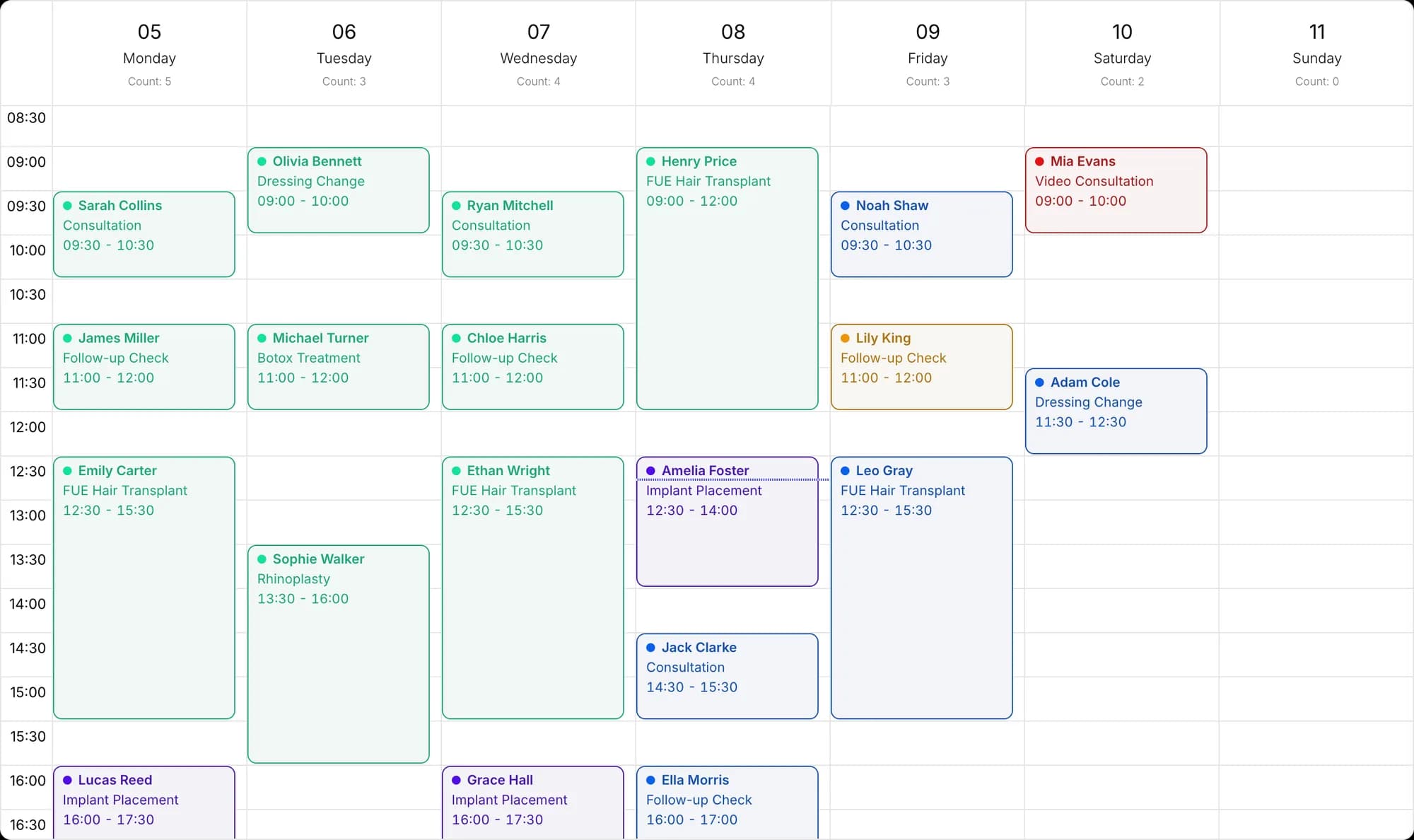
Handle WhatsApp as a team, never lose a message
Docvivo runs on Meta's official WhatsApp Business Platform. Chats sit in the same inbox as Instagram and Messenger messages, with the right representative.
- Official Business Platform
- Team inbox
- Language-based assignment
- First-message greeting
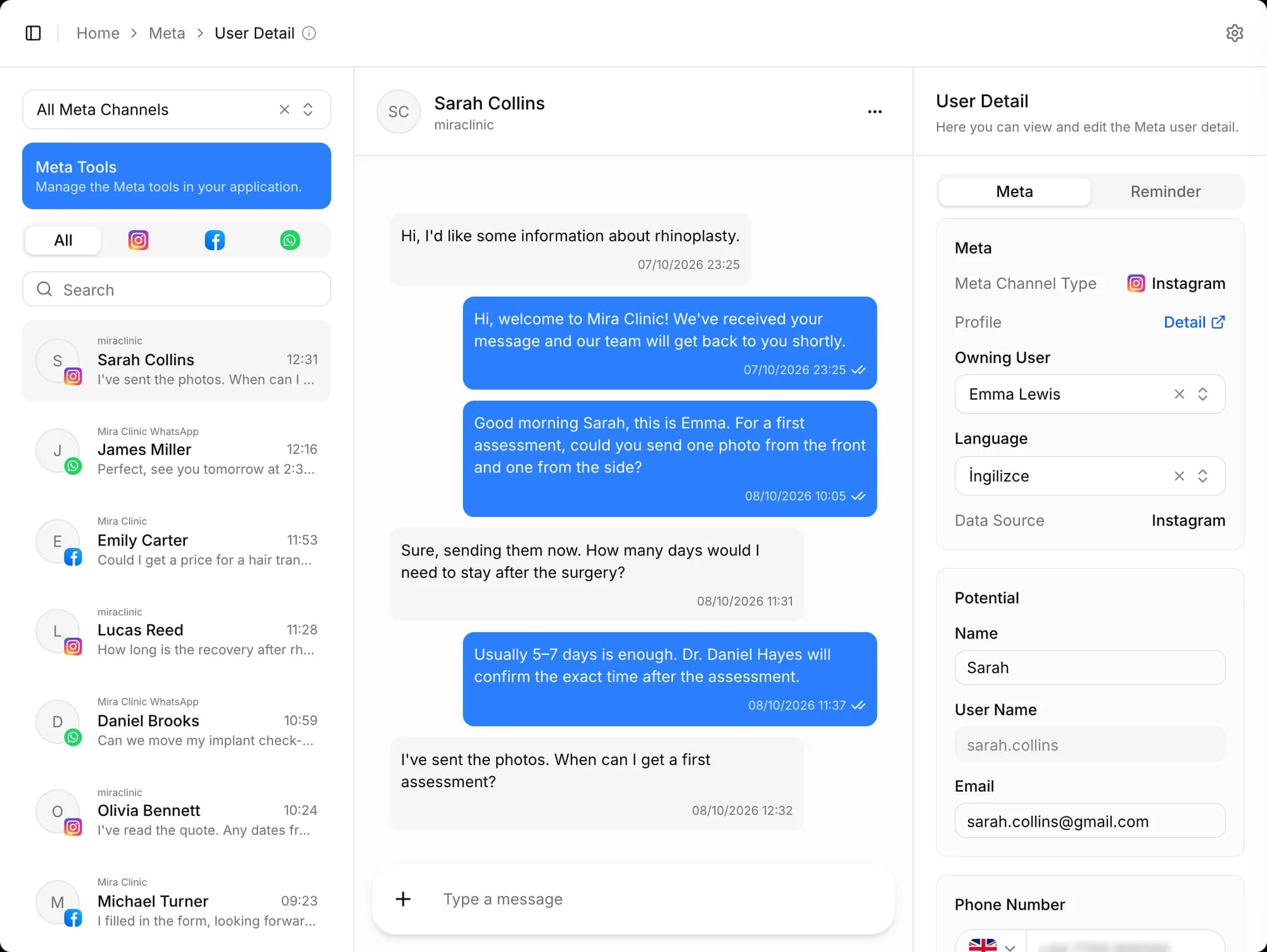
Official, and set up in a few steps
Connect your number through Meta's own connection screen. If you like, you can keep using the same number with the WhatsApp Business app.
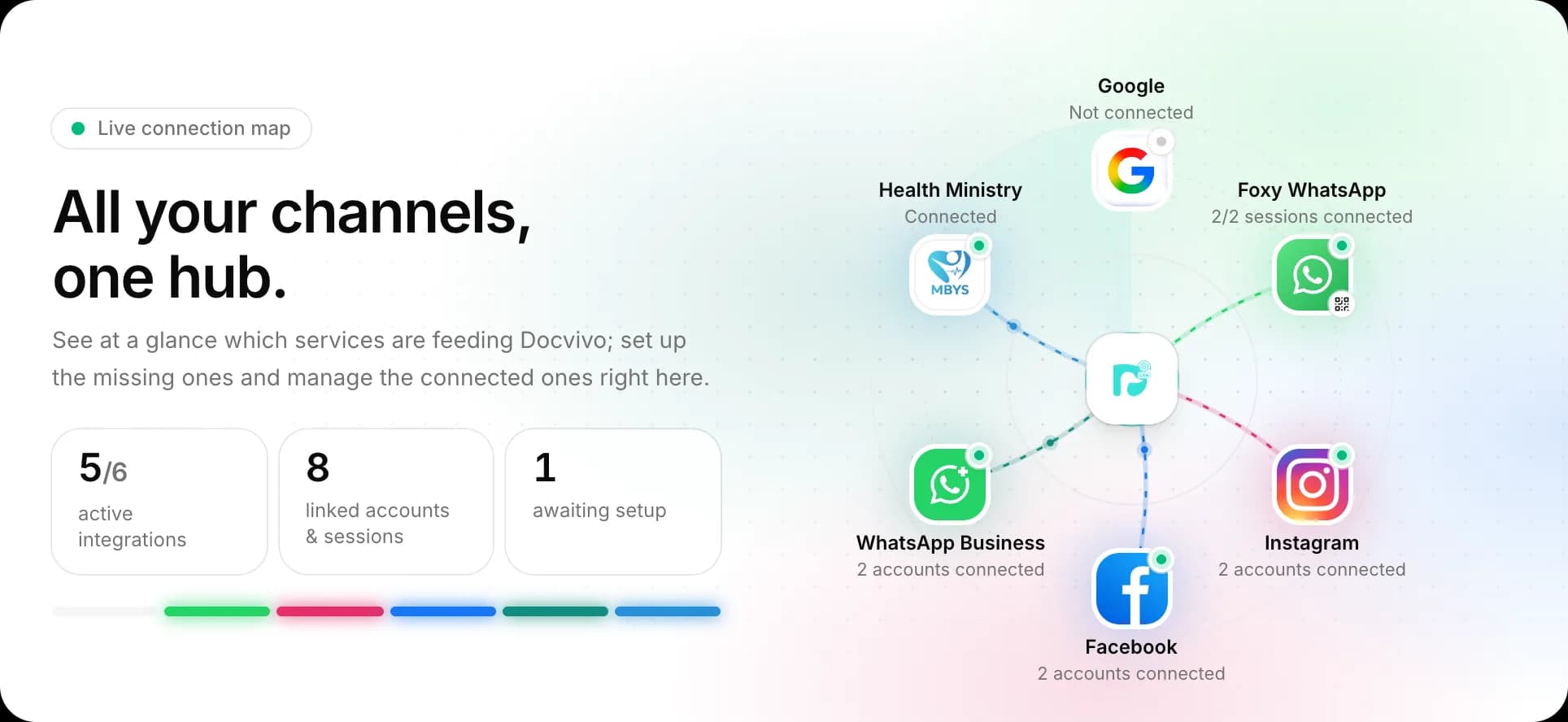
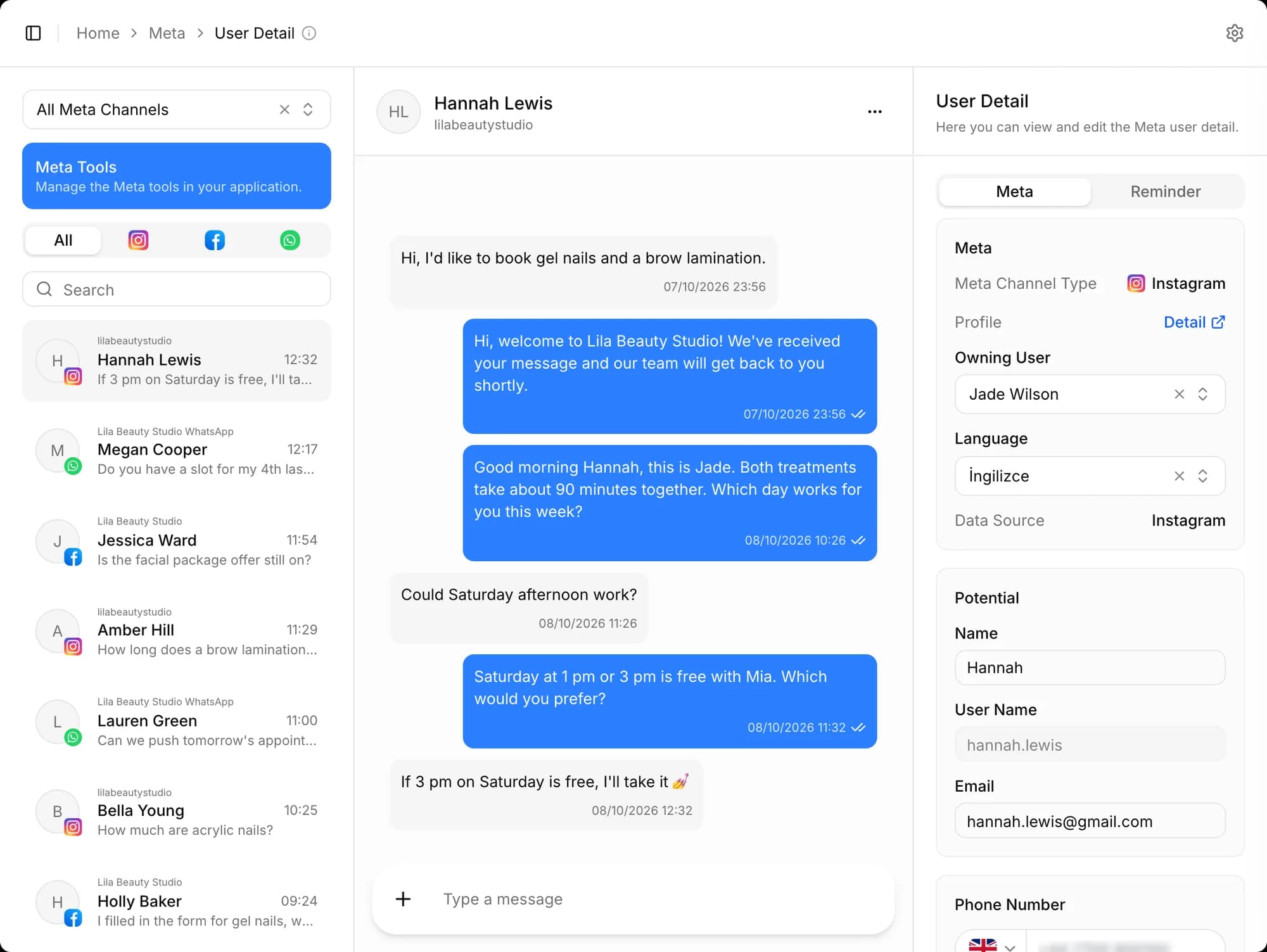
One inbox for the whole team
WhatsApp chats sit in the same inbox as Instagram and Messenger messages; each chat is assigned to the right representative by language, with the customer card open alongside it.
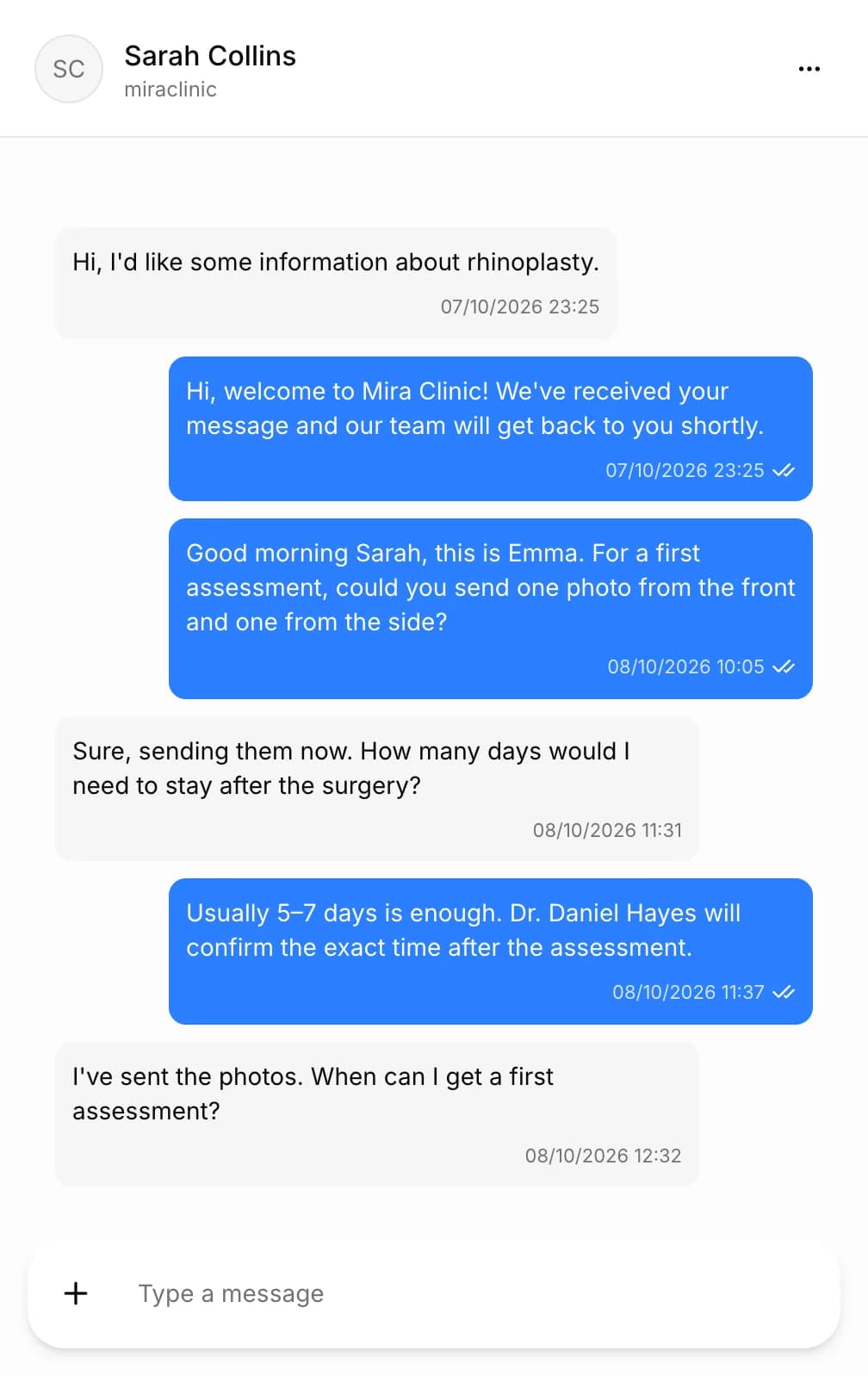
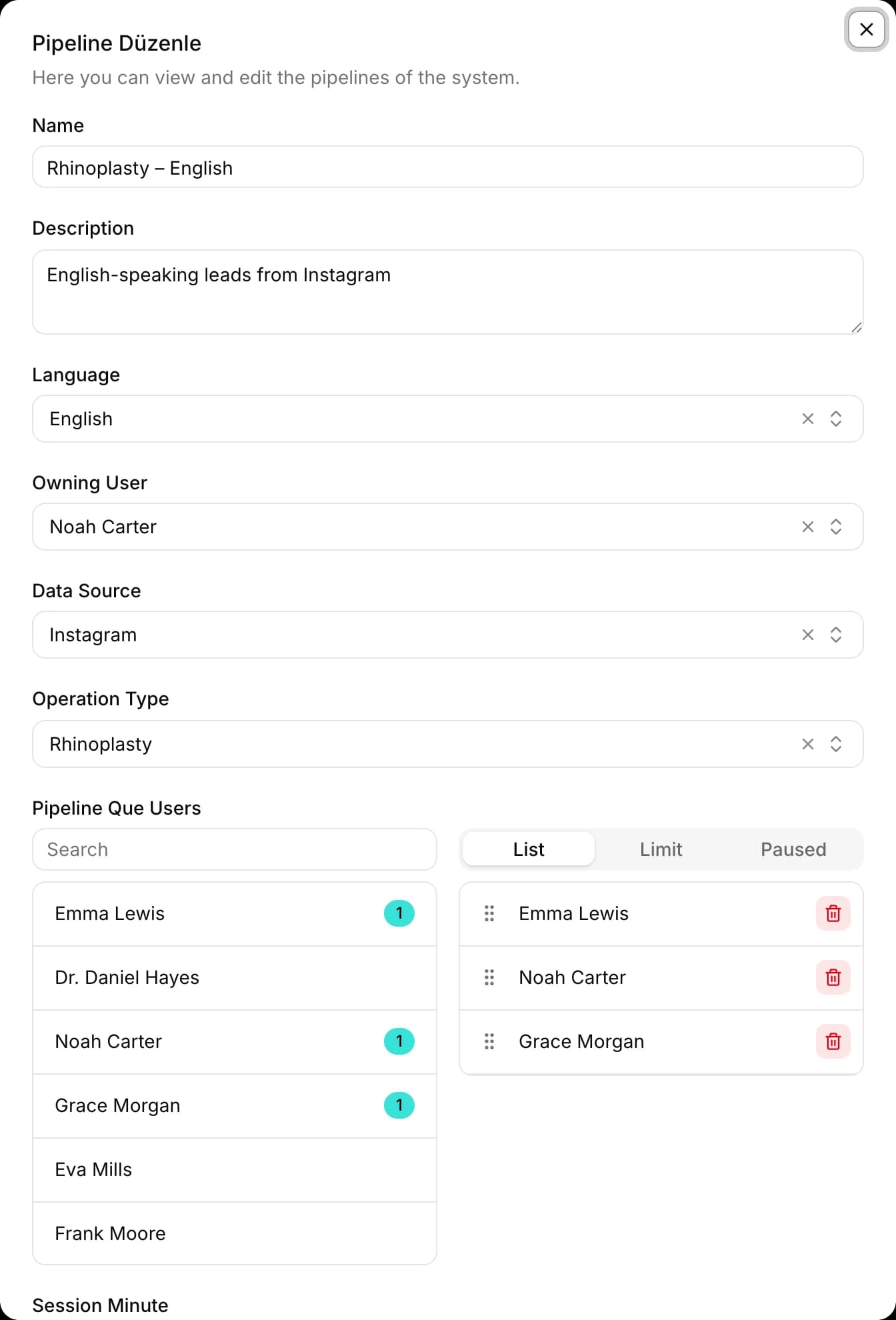
Assignment by language
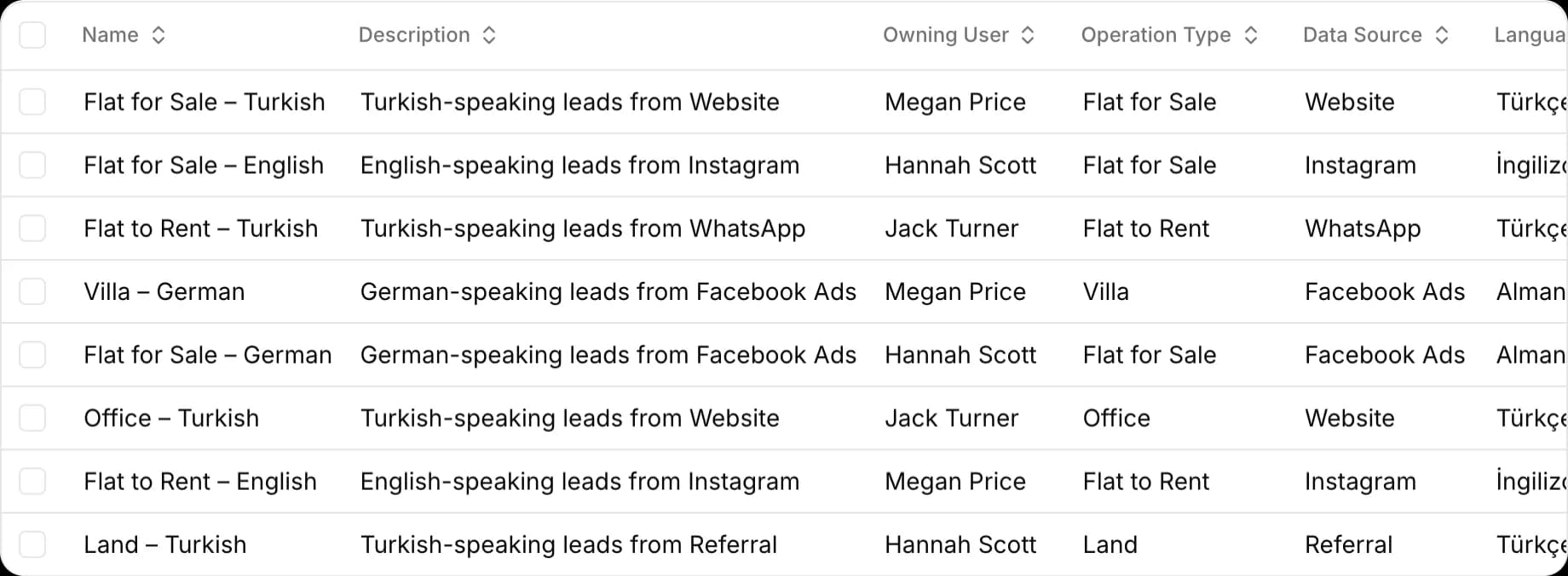
Meta Pipeline detects a message's language and assigns the chat to the next representative who speaks it and hasn't reached their limit. Pause someone on leave with one click.
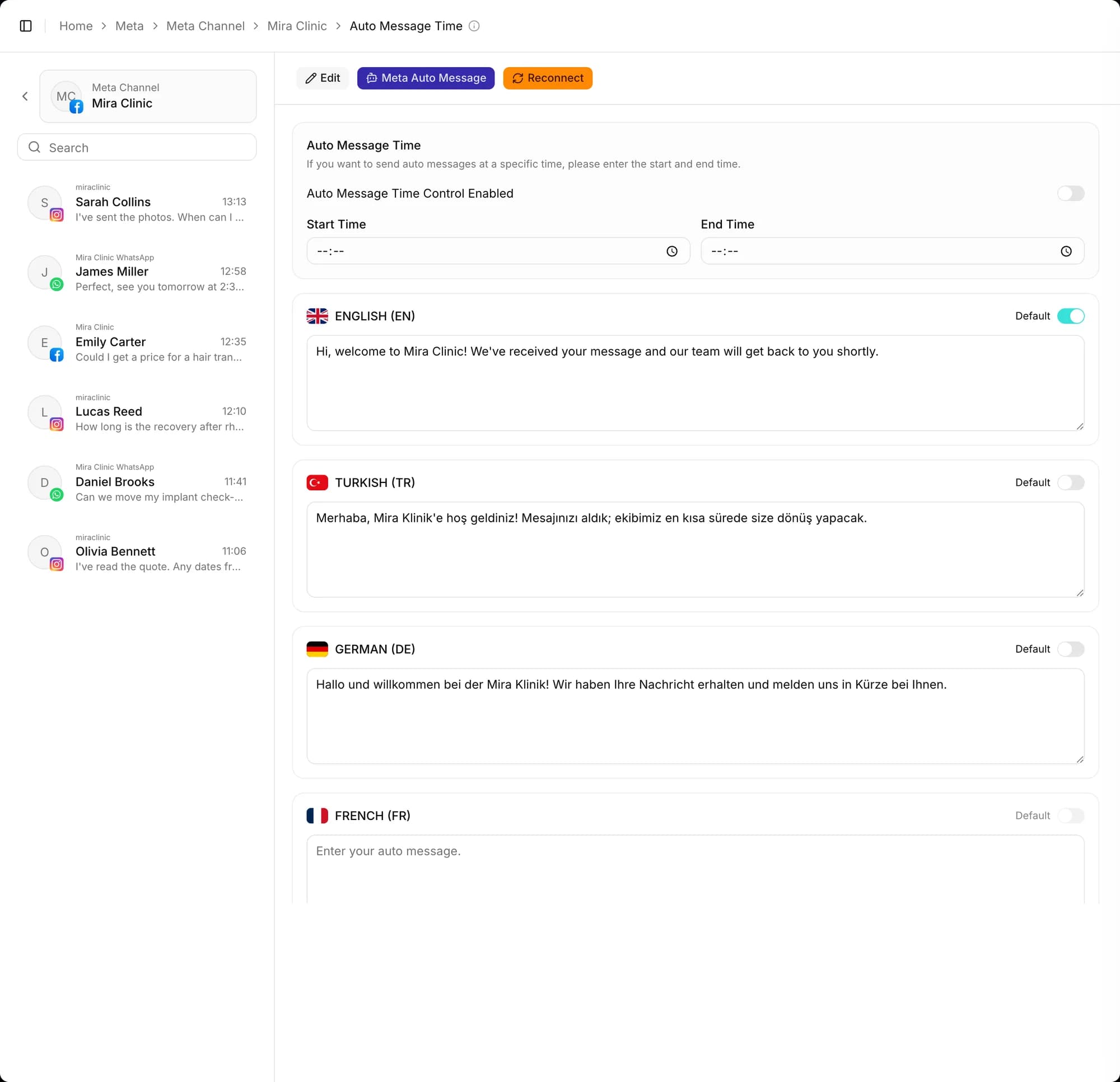
An automatic greeting for first messages
A new customer's first message automatically gets the greeting you set for the channel, in the detected language; if you like, only within a time window you choose.
Also included
Import your WhatsApp history
If you connected the number while keeping it in the WhatsApp Business app, you can import your earlier chats into Docvivo; Meta allows starting this import within the first 24 hours after connecting.
Other features
Frequently asked questions
Which channels can I manage messages from?
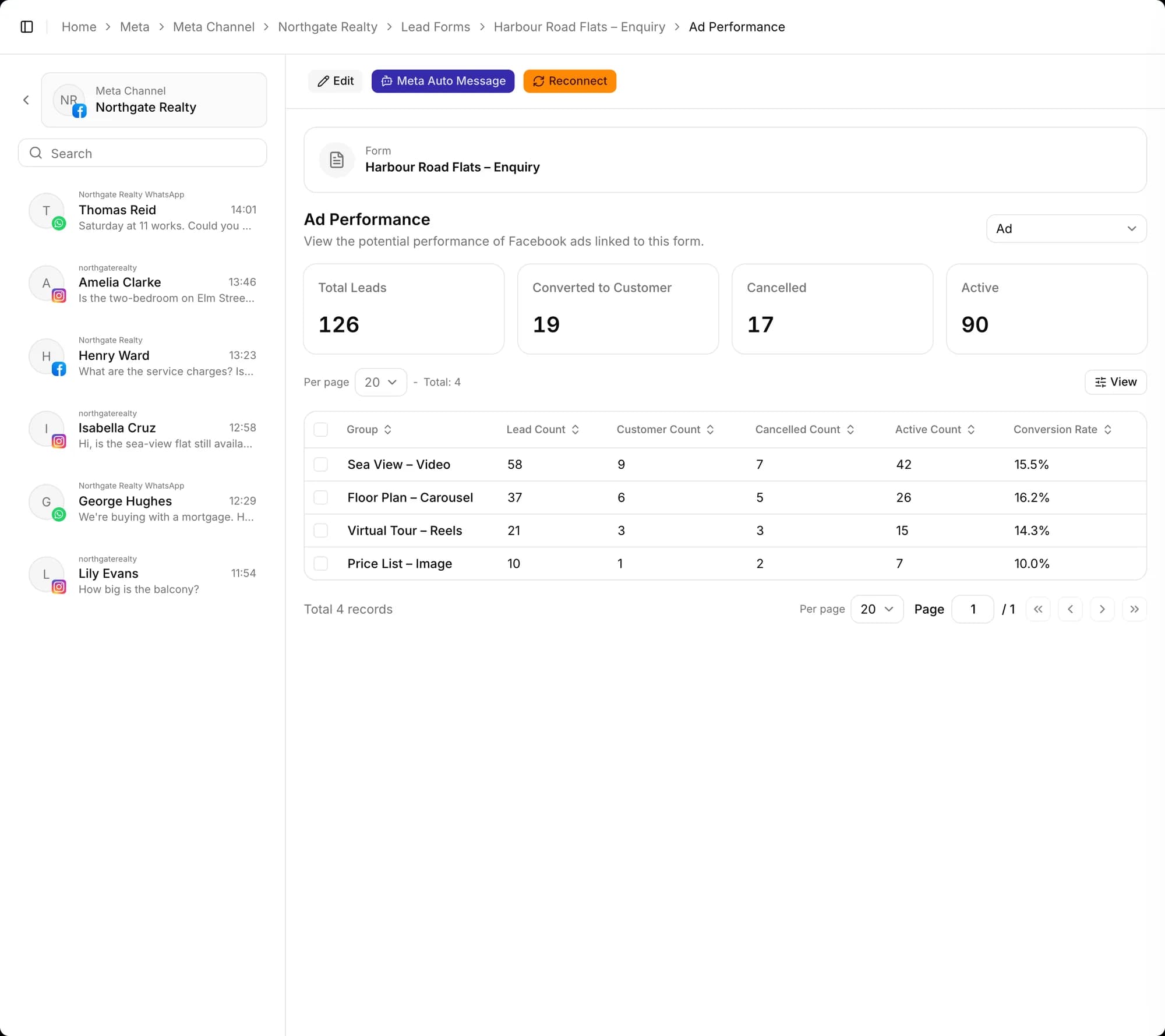
WhatsApp, Instagram DM and Facebook Messenger messages land in one real-time inbox. Submissions from Meta lead forms and from the forms on your website also become potential records automatically.
Is the WhatsApp integration official?
Yes. Docvivo runs on Meta's official WhatsApp Business Platform (Cloud API). You connect your number in a few steps through Meta's own connection screen, and if you like, you can keep using the same number with the WhatsApp Business app.
How does it work with international customers?
The message's language is detected and the chat is assigned to a representative who speaks that language. The first-message greeting, offers and appointment follow-up messages go out in the customer's language. Records offer a choice of 24 languages.
From first message to sale, start today
Create your free account, connect your channels and greet your first potential. Wherever you get stuck during setup, our team is there to help.