An appointment calendar and follow-up messages that send themselves
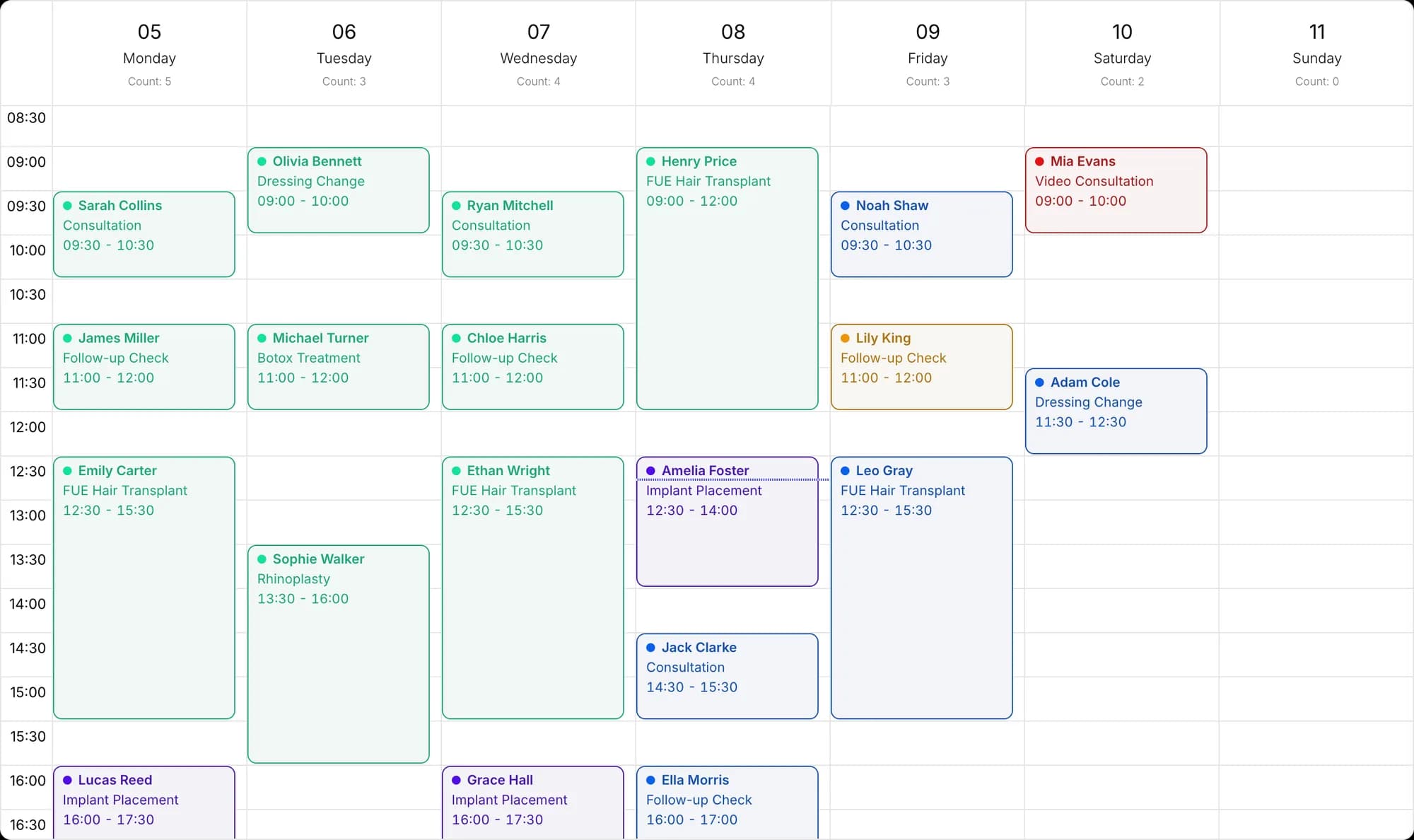
The calendar respects capacity per location, specialist and operation type. Set up the messages that go out when an appointment is booked, before it and after it once, and Docvivo does the rest.
- Capacity limits
- Google Calendar
- WhatsApp follow-up sequences
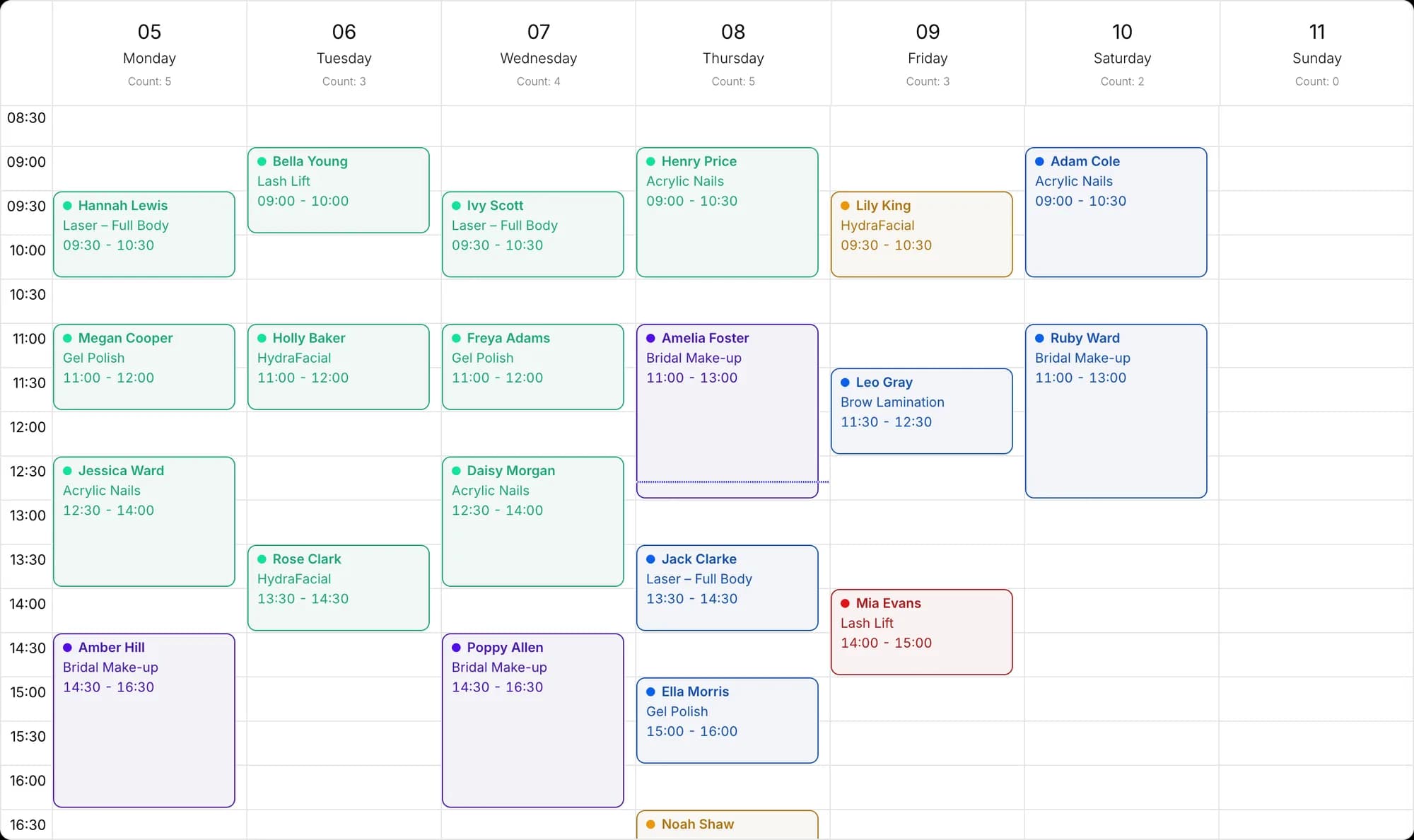
A capacity-aware appointment calendar
The calendar respects capacity per location, specialist and operation type. See appointments awaiting approval separately, and define working hours and closed days.
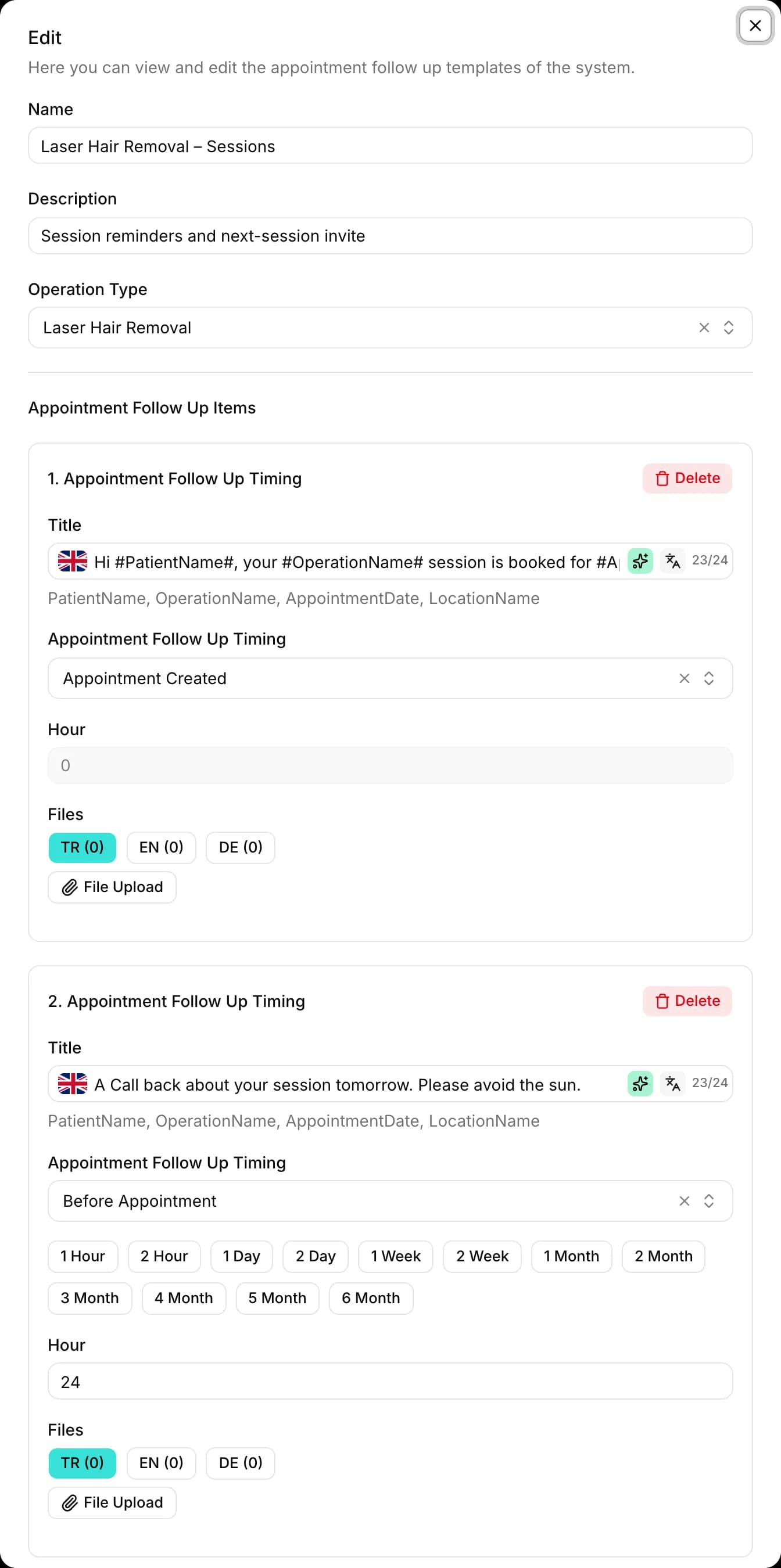
Follow-up message sequences
Set up messages to go out when an appointment is created, and hours or days before and after it: text, voice messages, images or documents, in the customer's language. The customer's name, the operation, the date and the location are filled in automatically.
Also included
Export to Google Calendar
Export the calendar's appointments to Google Calendar in one click, so your team also sees them in their own calendars.
Email notifications
Alongside WhatsApp, you can also use email (SMTP) for notifications.
Other features
Frequently asked questions
How does it work with international customers?
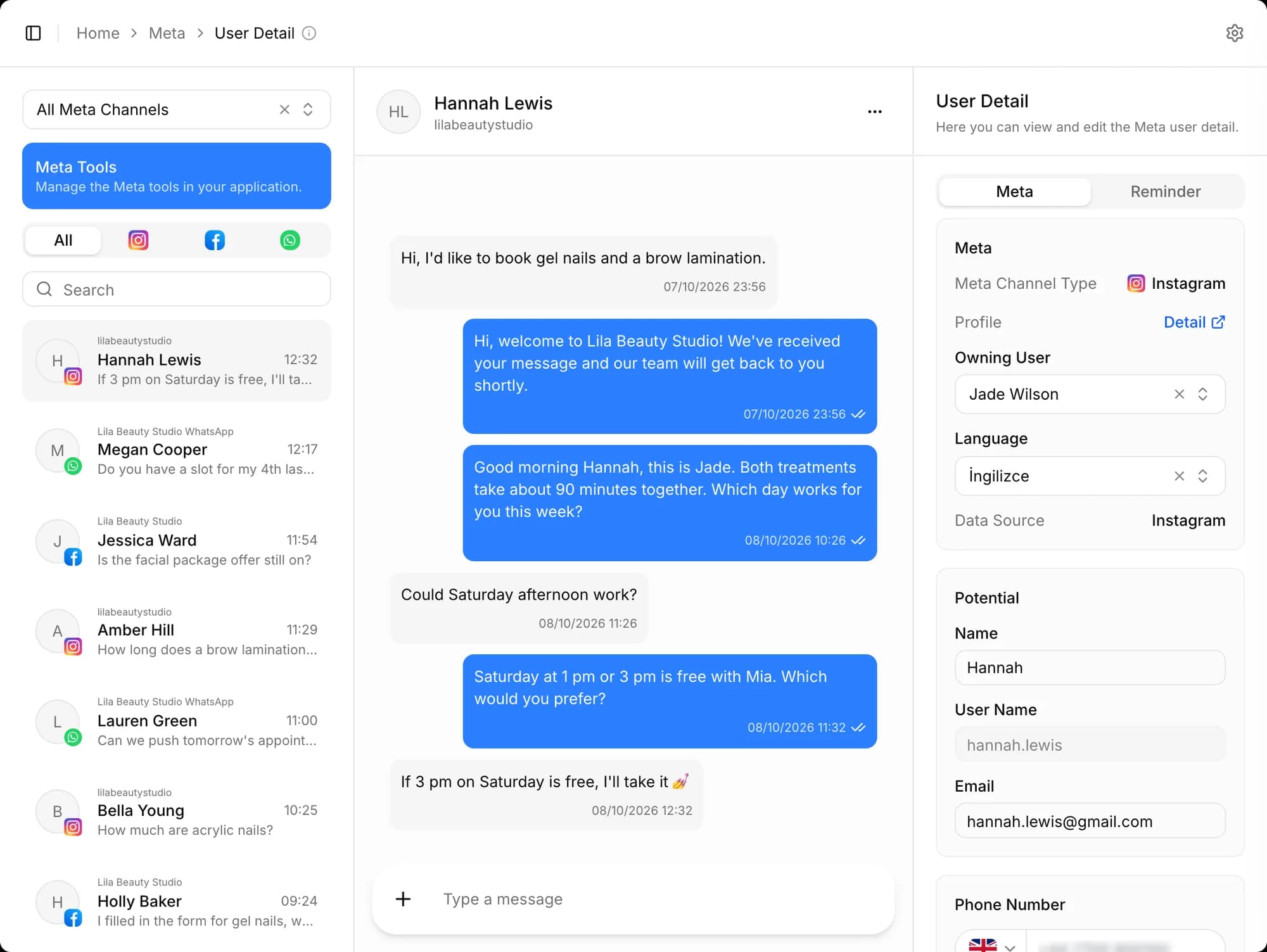
The message's language is detected and the chat is assigned to a representative who speaks that language. The first-message greeting, offers and appointment follow-up messages go out in the customer's language. Records offer a choice of 24 languages.
Are appointment reminders automatic?
Yes. You set up WhatsApp follow-up sequences for when an appointment is created and for before and after it; text, voice messages, images or documents go out on time, in the customer's language. Email can also be used for notifications.
From first message to sale, start today
Create your free account, connect your channels and greet your first potential. Wherever you get stuck during setup, our team is there to help.