MBYS submission inside your CRM
Registration, examination and follow-up packages go to the Turkish Ministry of Health without leaving Docvivo. Each package's status and the ministry's response sit inside the record.
- Institution connection
- Automatic submission
- Package status
- Submission log
Also included
What is MBYS?
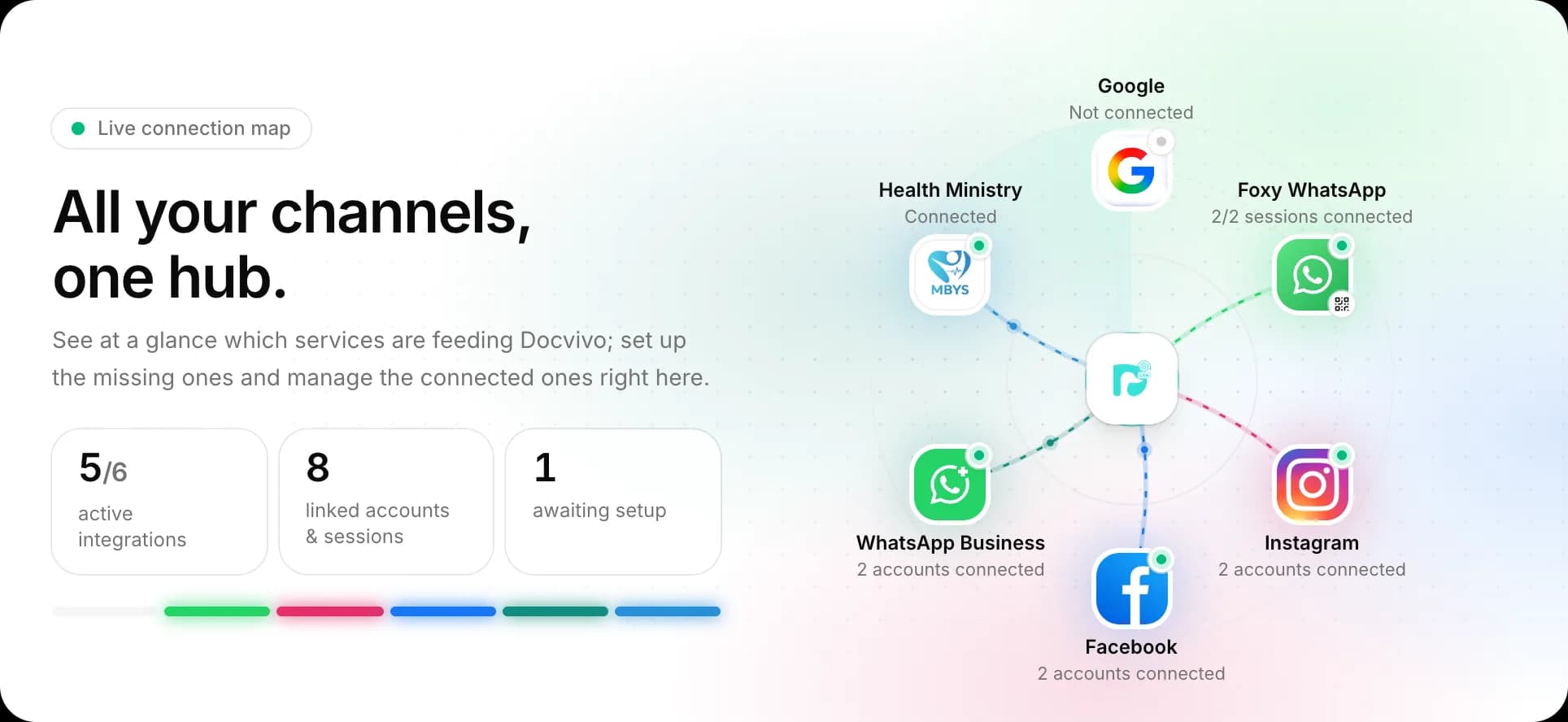
MBYS (Muayene Bilgi Yönetim Sistemi, the Examination Information Management System) is how clinics in Türkiye send examination and registration data to the Ministry of Health. Docvivo lets you do it next to your client record; who has to submit depends on the Ministry's regulations.
Set up your institution once
You connect to the ministry with your institution code, application code and password. You pick the doctors and clinic codes (from the SKRS lists) that take part and enter your health facility details.
- Institution and application code
- Doctor selection
- Clinic codes (SKRS)
- Health facility details
Automatic or manual submission
With automatic submission on, packages are sent to the ministry after they are saved, with no extra step. With it off, data stays in the CRM until you press "Send to Ministry" on the record.
- Automatic submission switch
- Send to Ministry
- Send all
Which packages are sent?
Besides identity and admission, service-drug-supply, examination, lab result and discharge packages, follow-up packages such as pregnancy, infant-child, vaccination and diabetes are managed on the same screen.
- Examination
- Lab result
- Pregnancy follow-up
- Infant-child follow-up
- Vaccination
- Diabetes
Every package shows its status
Inside the record you see whether each package was sent to the ministry or not, when it was last updated and by whom. You send the unsent ones one by one or all at once.
Submission logs for troubleshooting
The log screen keeps the request sent to the ministry, the response, the status code and the message for every submission. When a package is rejected you read the reason there.
- Request
- Response
- Status code
- Ministry message
No separate program to open
You submit from the same screen as the client record. You see which package hasn't been sent inside the record and send the missing ones in one go.
Four steps to get started
Get the Ministry of Health package, enter your institution code and health facility details on the Integrations screen, and pick the doctors and clinic codes. Then switch automatic submission on or send packages by hand from the record.
- Get the package
- Enter institution details
- Pick doctors and clinic codes
- Start submitting
Offered as an add-on
The Ministry of Health integration is bought as a package separate from the CRM plan. Talk to our team about setup and activation.
Other features
Frequently asked questions
What is MBYS and what does Docvivo do?
MBYS (Muayene Bilgi Yönetim Sistemi, the Examination Information Management System) is how examination and registration data reach the Turkish Ministry of Health. In Docvivo you set up your institution, send packages automatically or with "Send to Ministry", and follow each package's status and the ministry's response inside the record.
Is there a Turkish Ministry of Health integration?
The Turkish Ministry of Health integration is offered to clinics as an add-on module and covers the SYS (e-Nabız), SKRS and e-Rapor services. Talk to our team about setup and activation.
How does pricing work?
Pricing is per user, per month. Longer plans and larger teams get discounts, and modules such as the Turkish Ministry of Health integration are added separately. Current packages are on the Pricing page.
How do I get started?
Create your free account, connect your channels and greet your first potential. Wherever you get stuck during setup, our team is there to help.
From first message to sale, start today
Create your free account, connect your channels and greet your first potential. Wherever you get stuck during setup, our team is there to help.