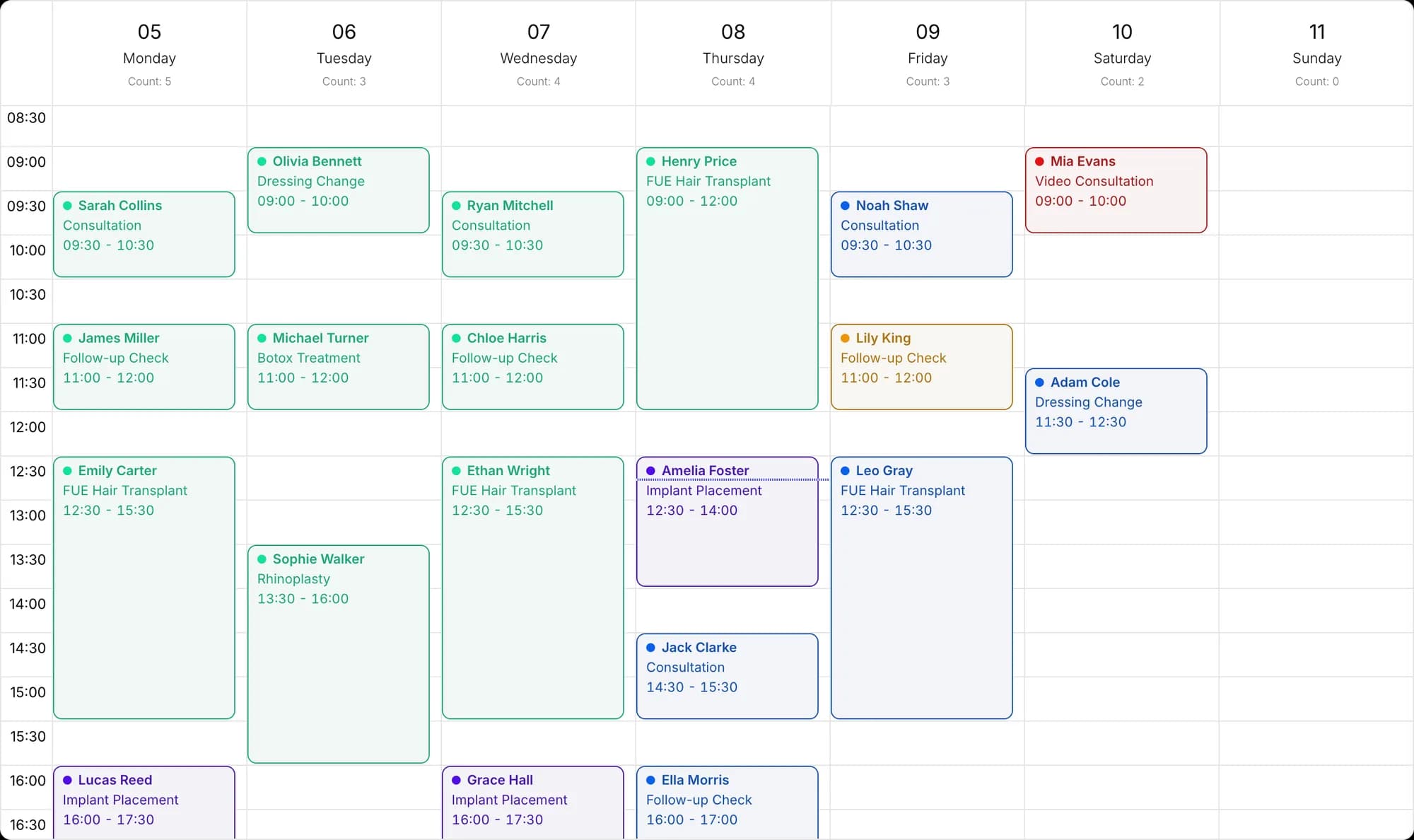
Serve international clients in their own language
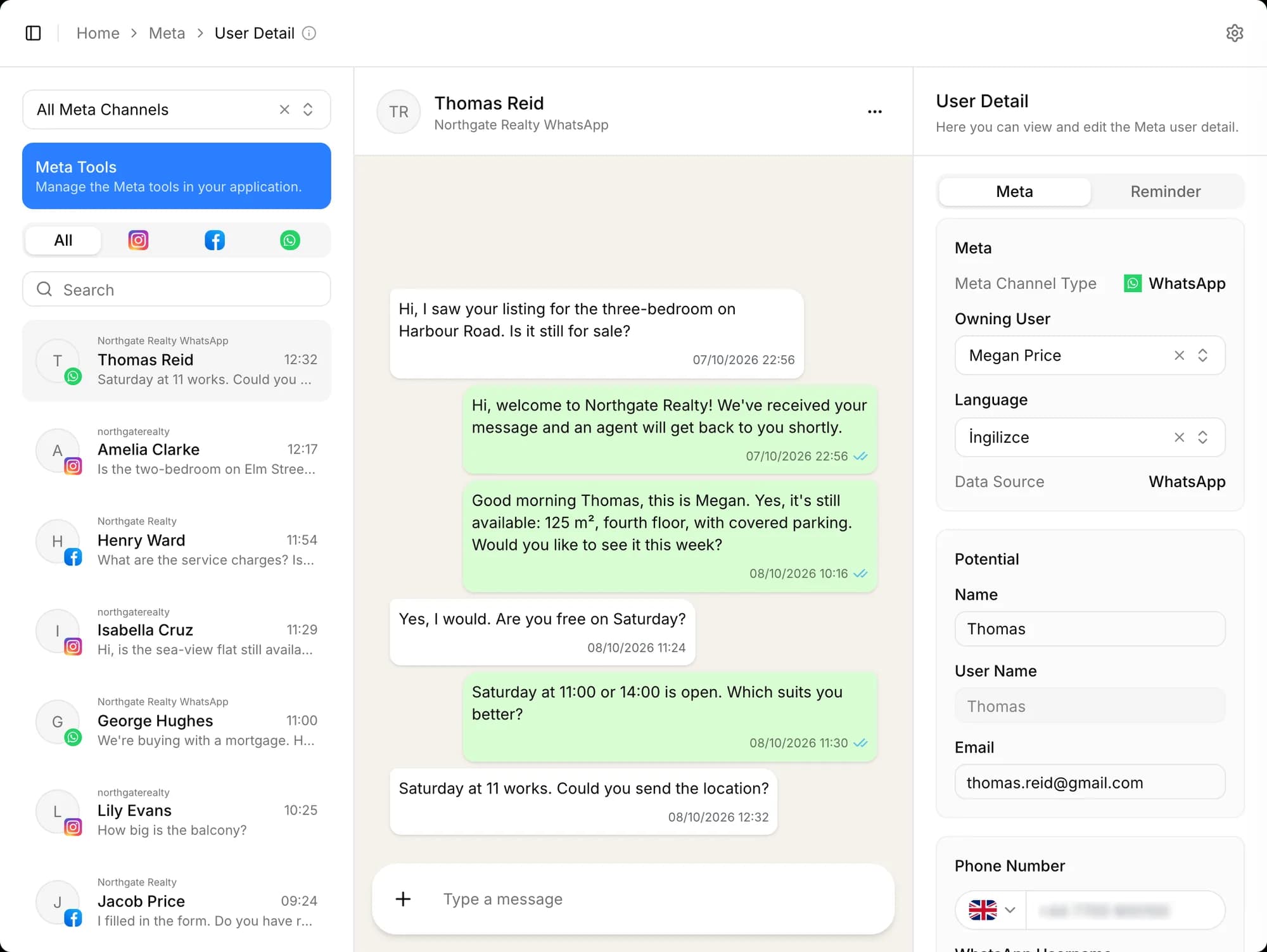
The message's language is detected and the chat goes to a representative who speaks it. Offers, appointment reminders and follow-up messages reach the client on time, in their own language.
- Assignment by language
- Multilingual offers
- Multiple currencies
- 24 languages
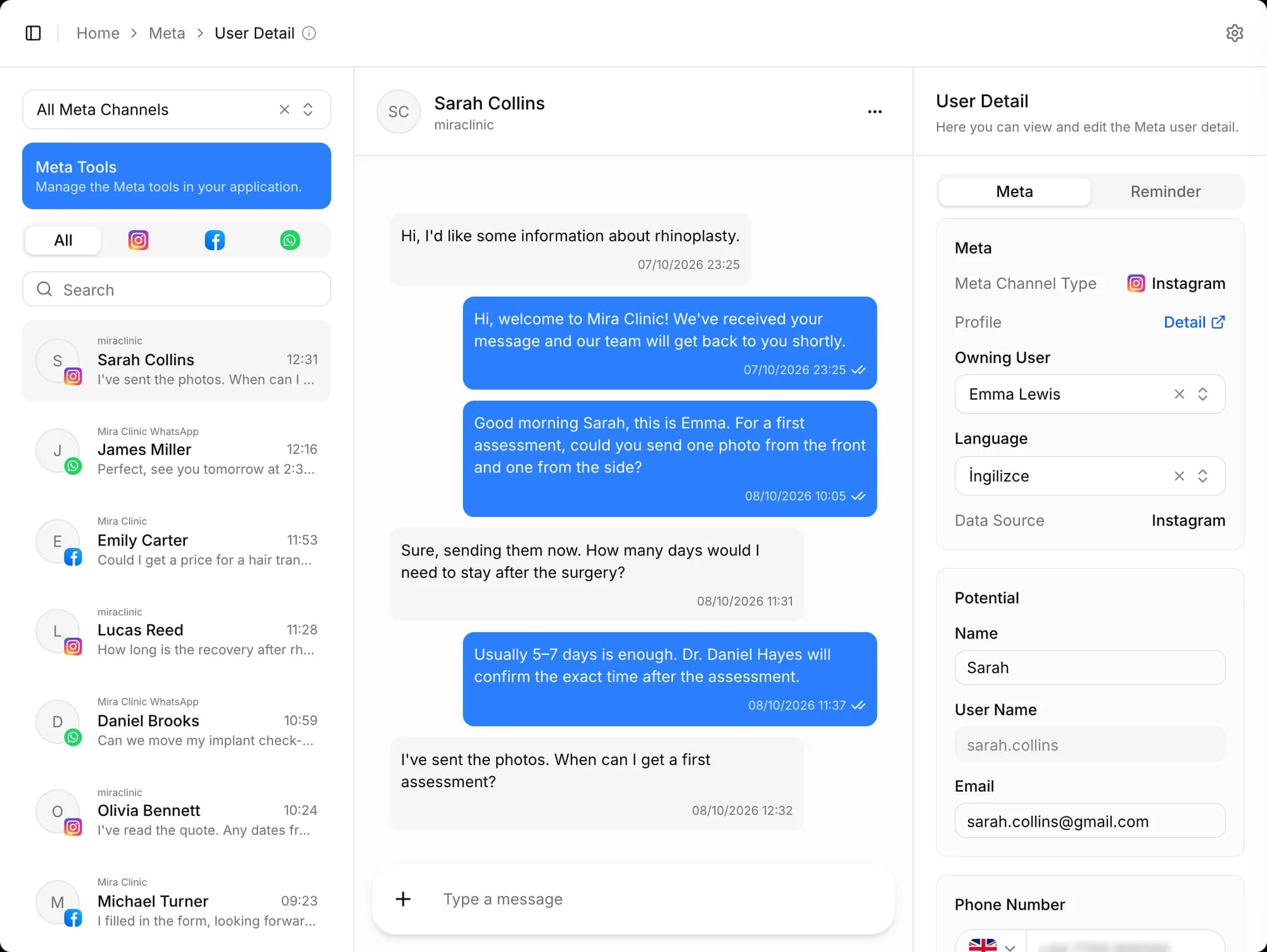
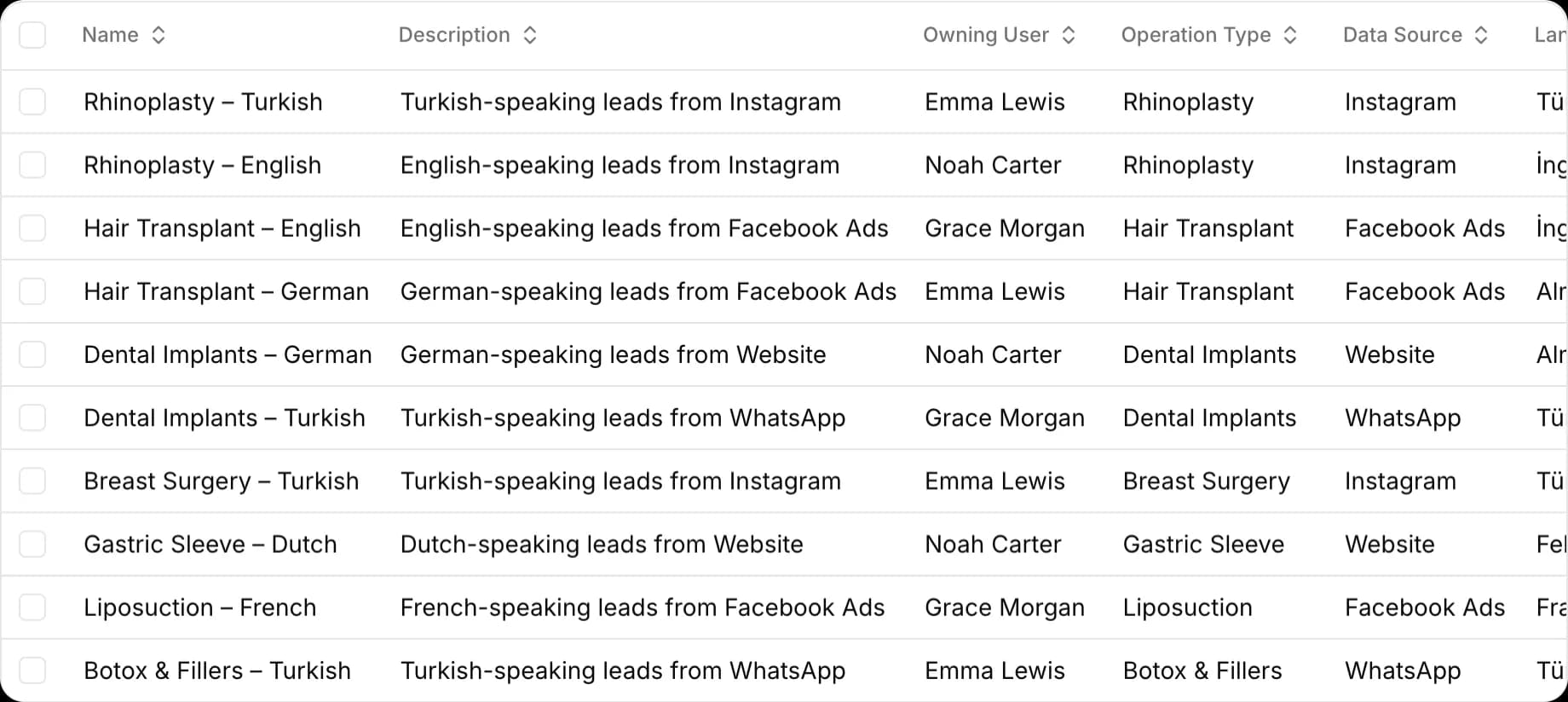
Representative assignment by language
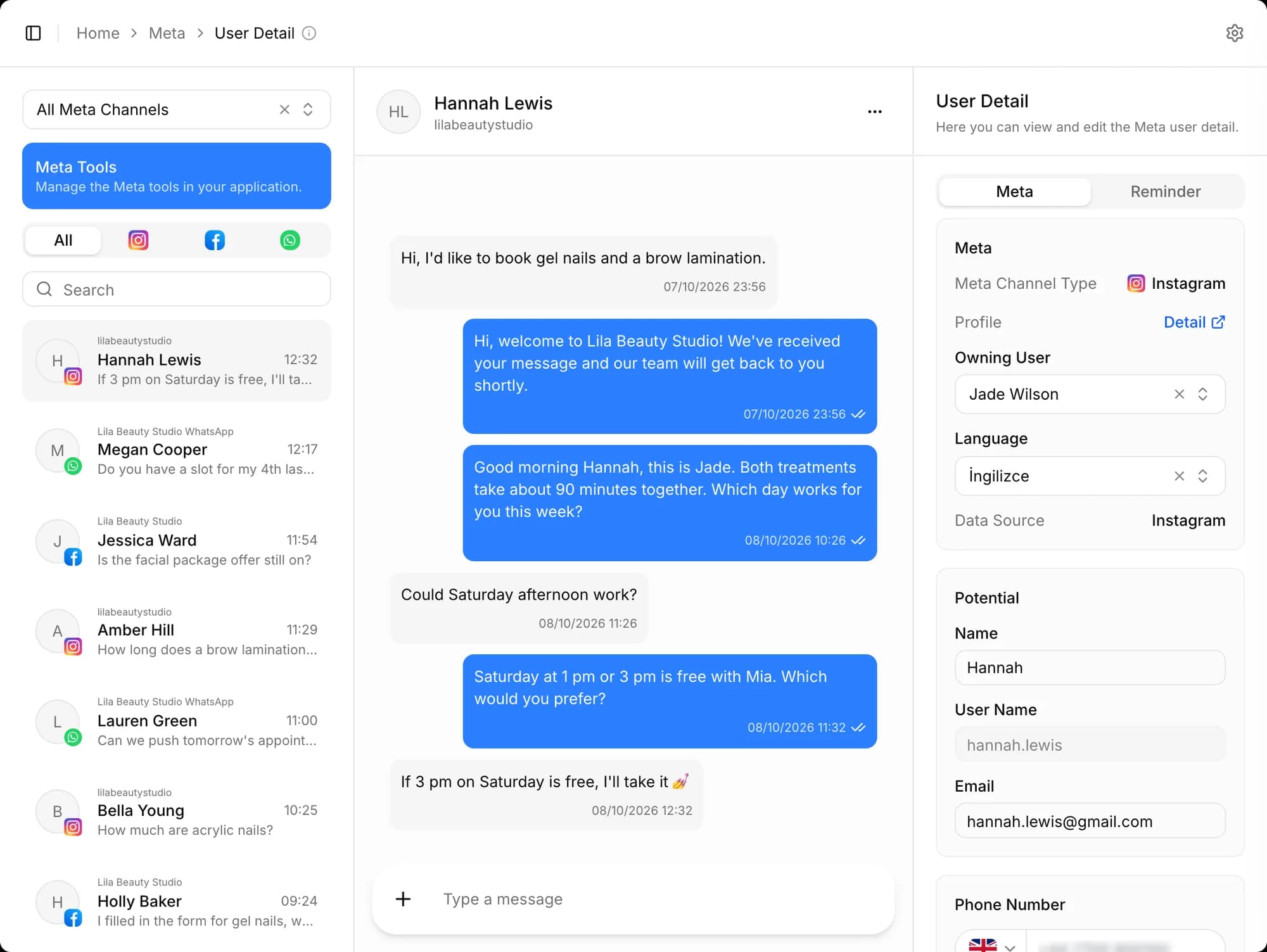
Each chat goes to the next representative who speaks its language and hasn't reached their limit; potentials go to a representative in the pipeline for their language. Repeat entries from the same phone number are flagged separately, so two representatives never call the same client.
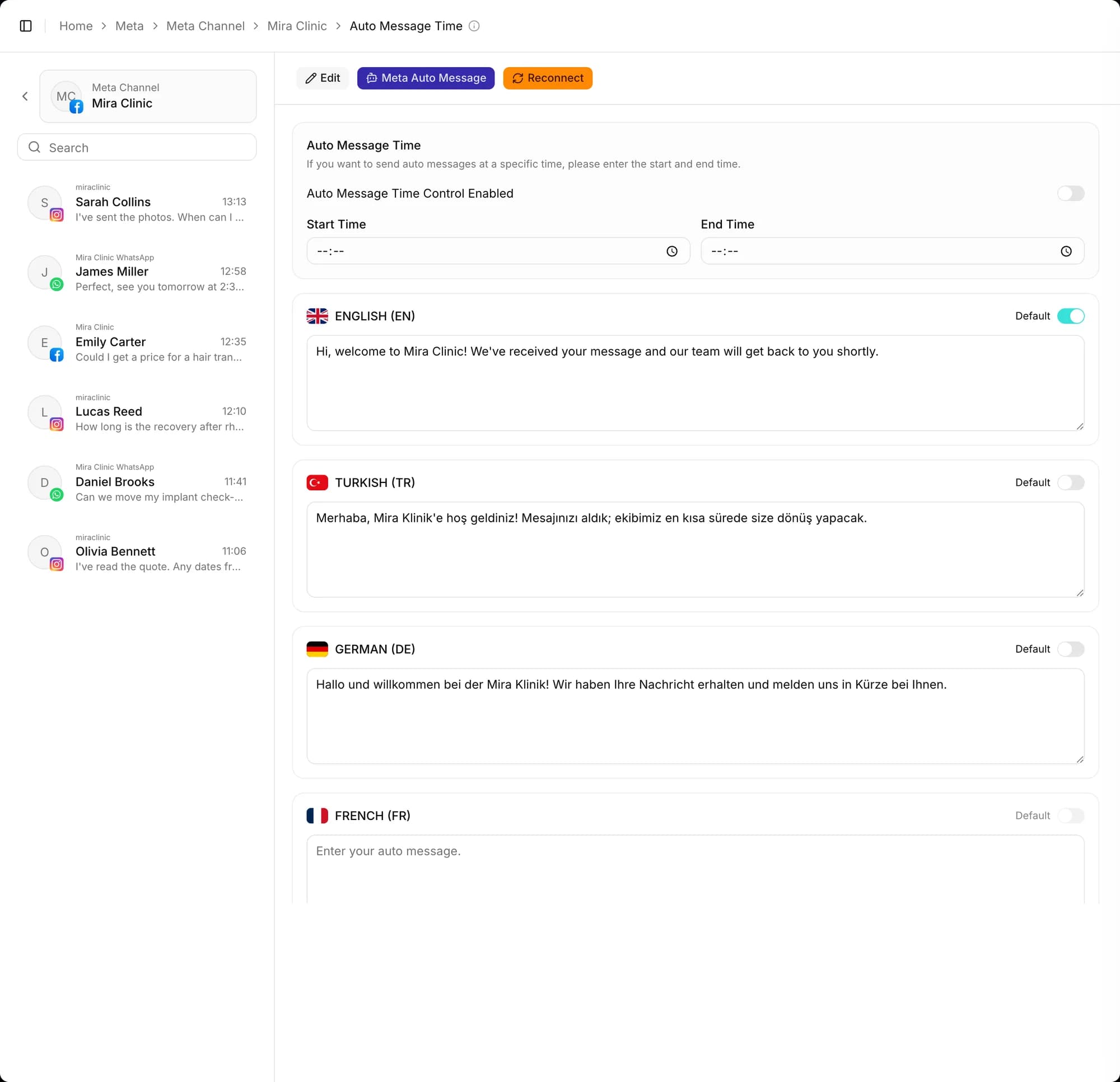
A first-message greeting in their language
A new client's first message automatically gets the greeting you set for the channel, in the detected language.
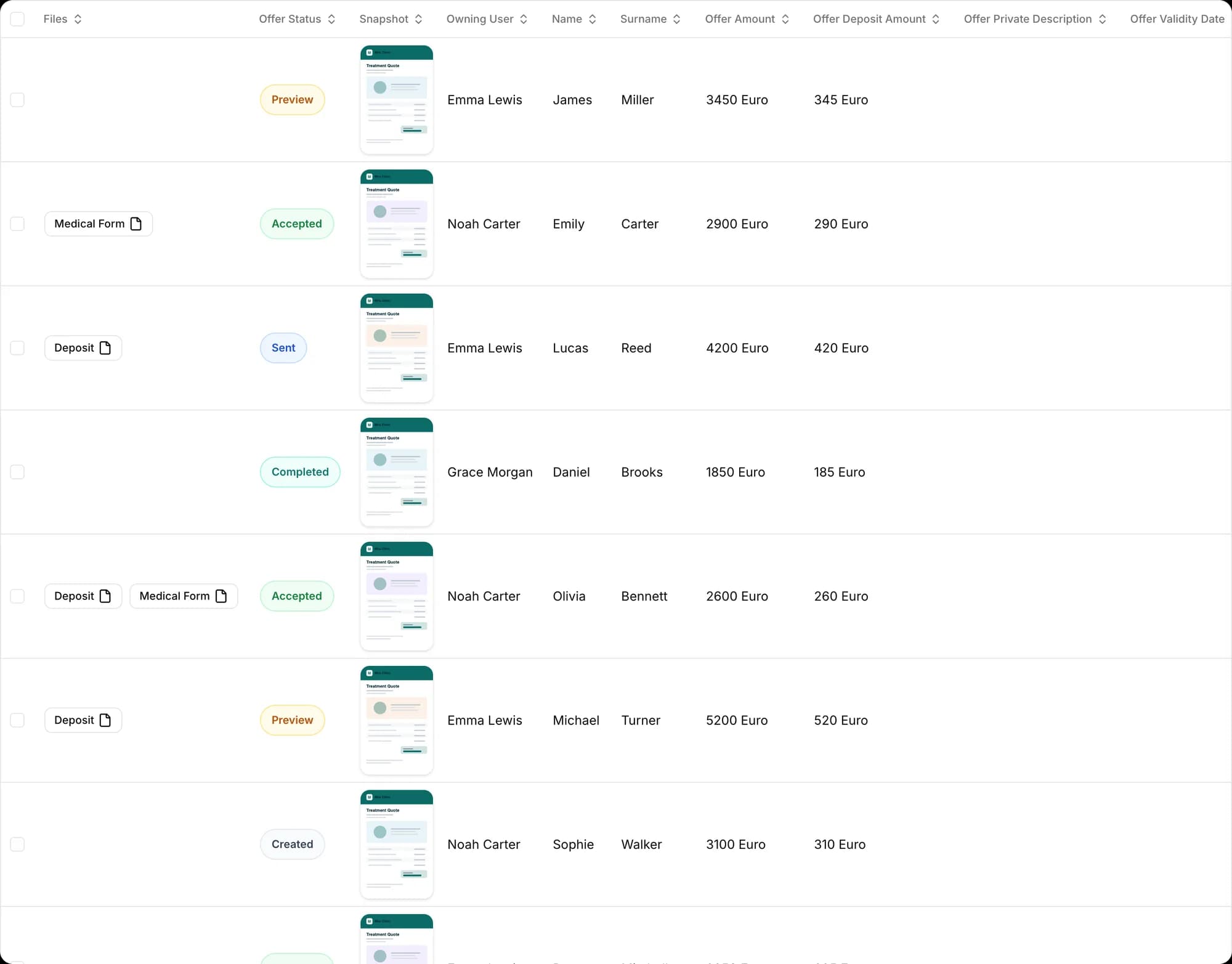
Offers in the client's language
The offer template that matches the client's language is suggested first. Offers go out as a link, and you see how many times each was viewed. Revisions are kept with their version history.
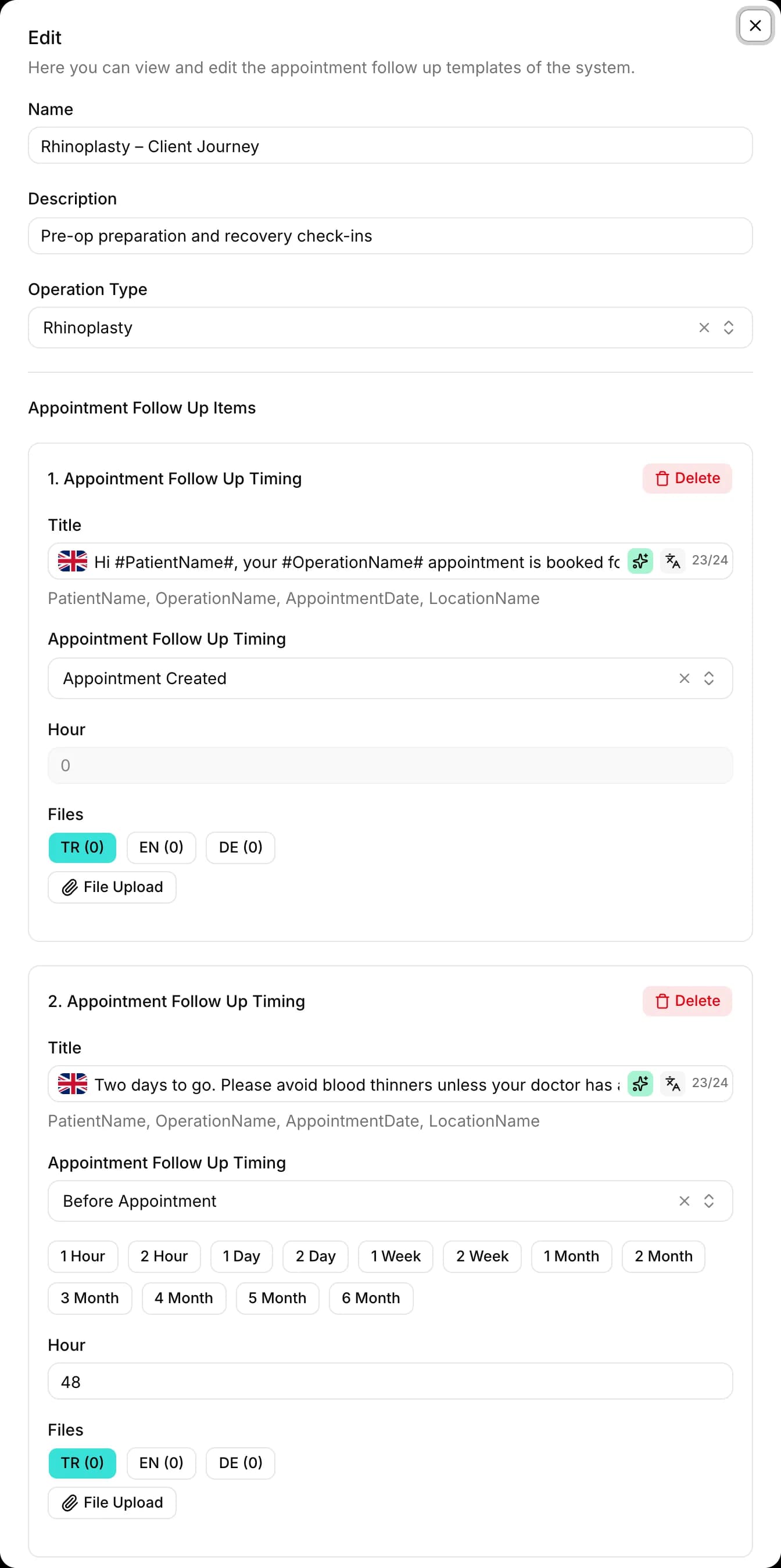
Follow-up before and after the appointment
Set up WhatsApp sequences in the client's language: appointment reminders, location details, aftercare instructions or requests for check-up photos go out on time. Records offer a choice of 24 languages.
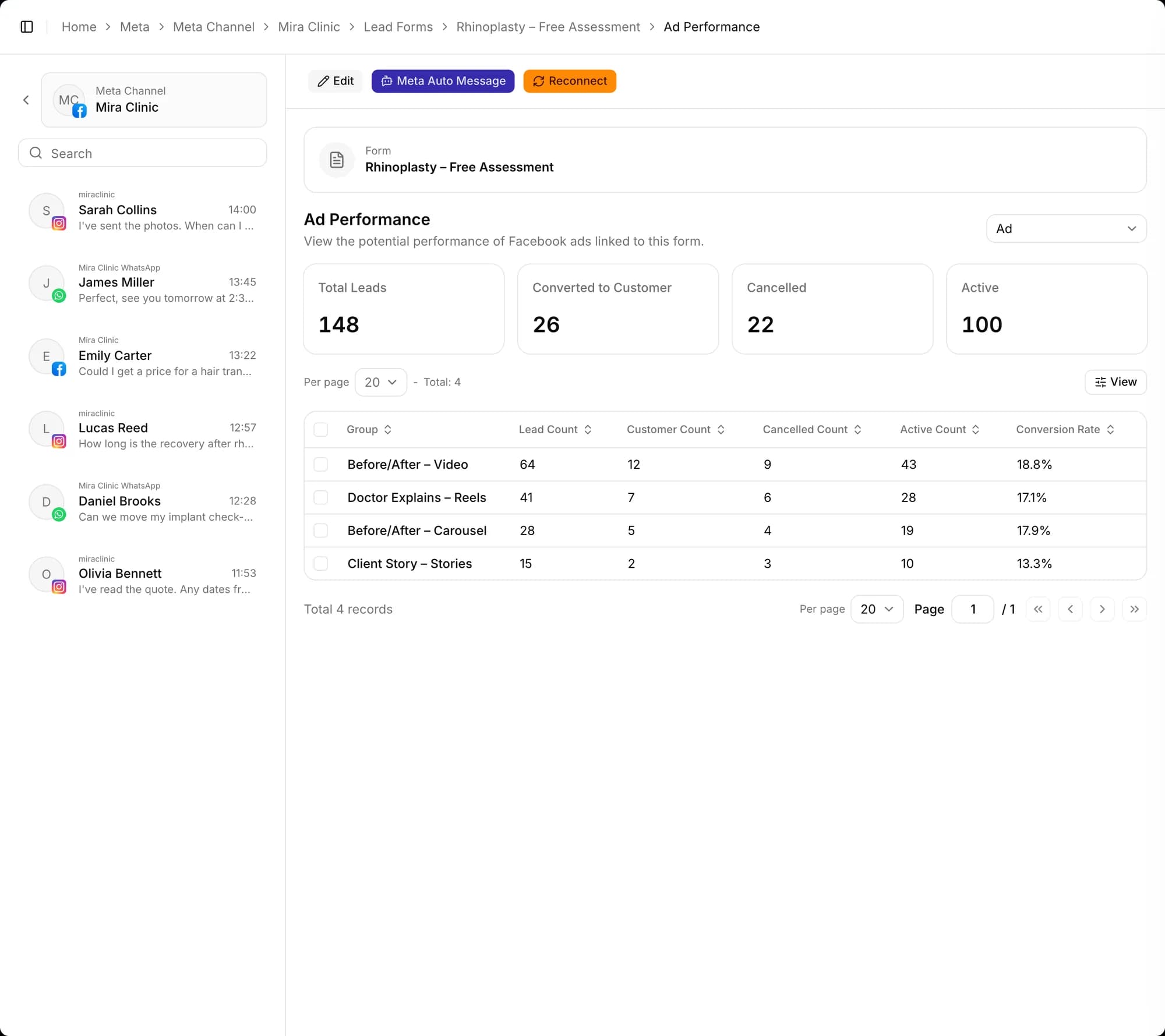
Tracking from ad to client
Every submission from Meta lead forms is saved with its campaign, ad set and ad. See how many submissions per campaign turned into clients.
Also included
Multiple currencies at current rates
Offers in different currencies are calculated at the current exchange rate, and the deposit amount is shown on the offer.
Other industries
Frequently asked questions
How does it work with international customers?
The message's language is detected and the chat is assigned to a representative who speaks that language. The first-message greeting, offers and appointment follow-up messages go out in the customer's language. Records offer a choice of 24 languages.
How do I send offers?
Create multilingual offers from ready-made templates and send them to the customer as a link. You see how many times an offer was opened, and you can download it as a PDF and add a deposit and a validity date. Different currencies are calculated at the current exchange rate.
Are appointment reminders automatic?
Yes. You set up WhatsApp follow-up sequences for when an appointment is created and for before and after it; text, voice messages, images or documents go out on time, in the customer's language. Email can also be used for notifications.
From first message to sale, start today
Create your free account, connect your channels and greet your first potential. Wherever you get stuck during setup, our team is there to help.