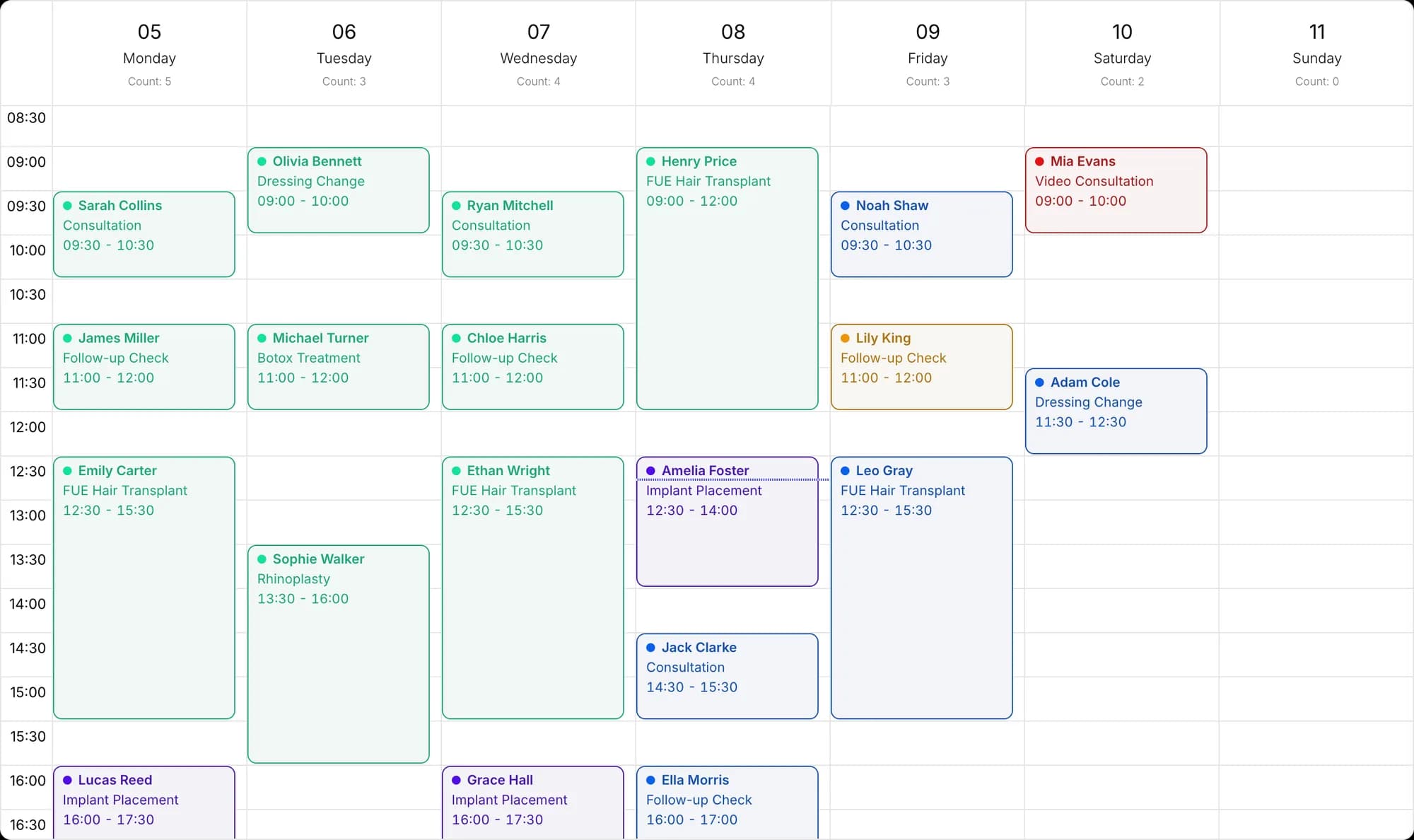
Every lead form submission becomes a potential, automatically
Connect your Facebook and Instagram lead forms. Every submitted form is saved as a potential along with its campaign details and is assigned to a representative by the pipeline.
- Form field mapping
- Automatic assignment
- Campaign details
- Ad performance
Connect forms, map fields
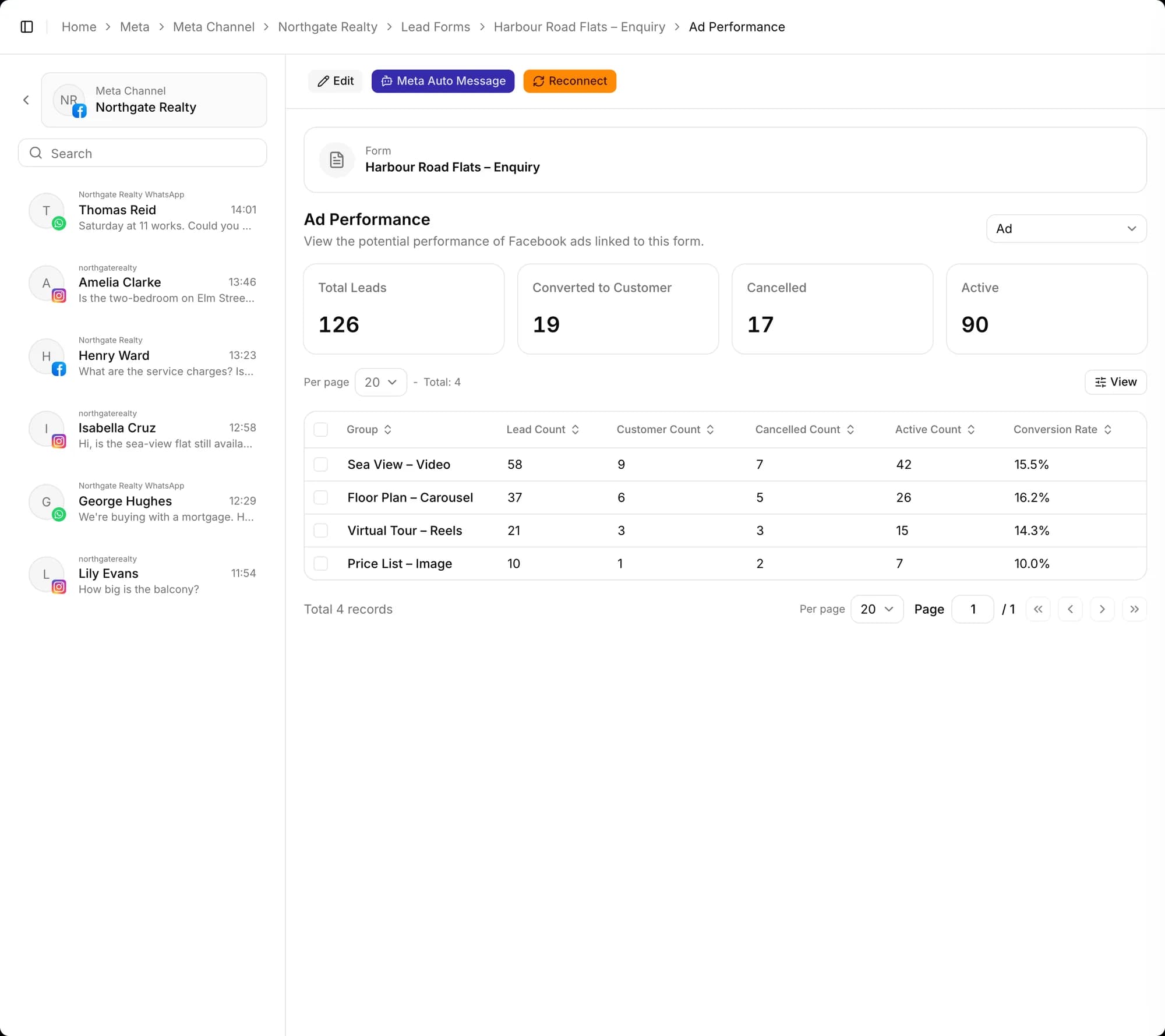
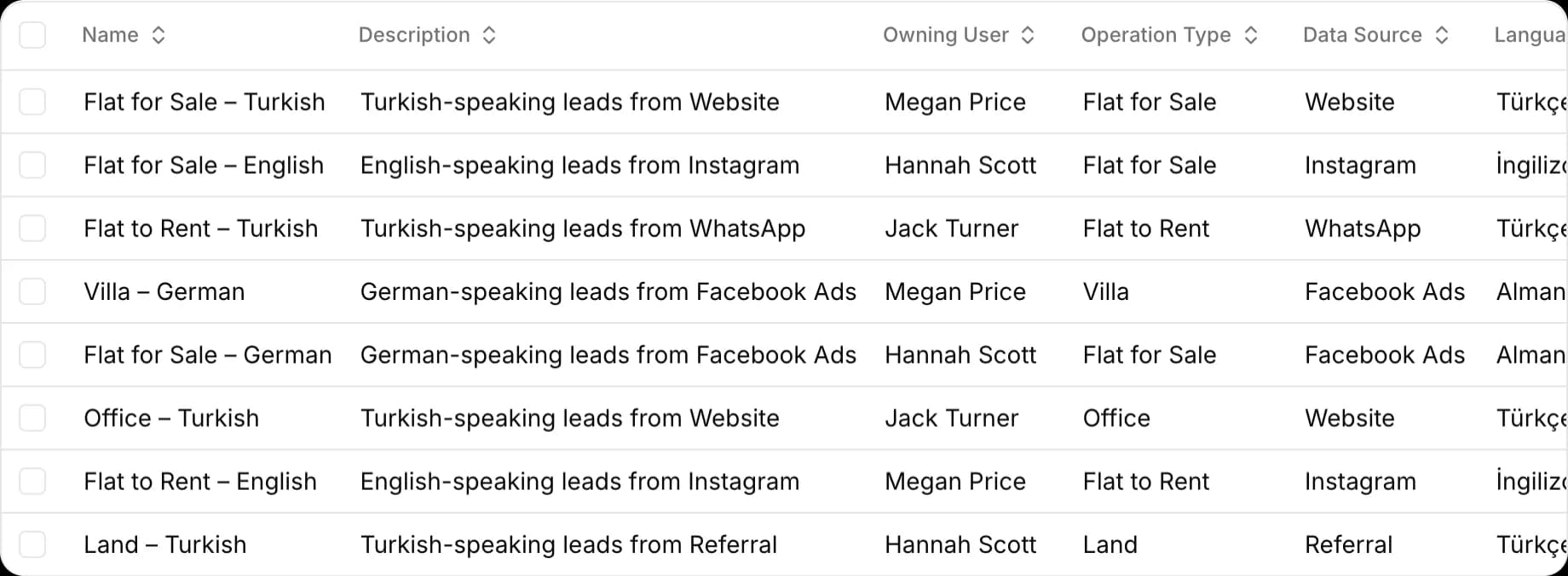
The lead forms connected to your Facebook page appear in a list. Map Meta form fields to target fields in the CRM, and set a default language, operation type and data source for each form.
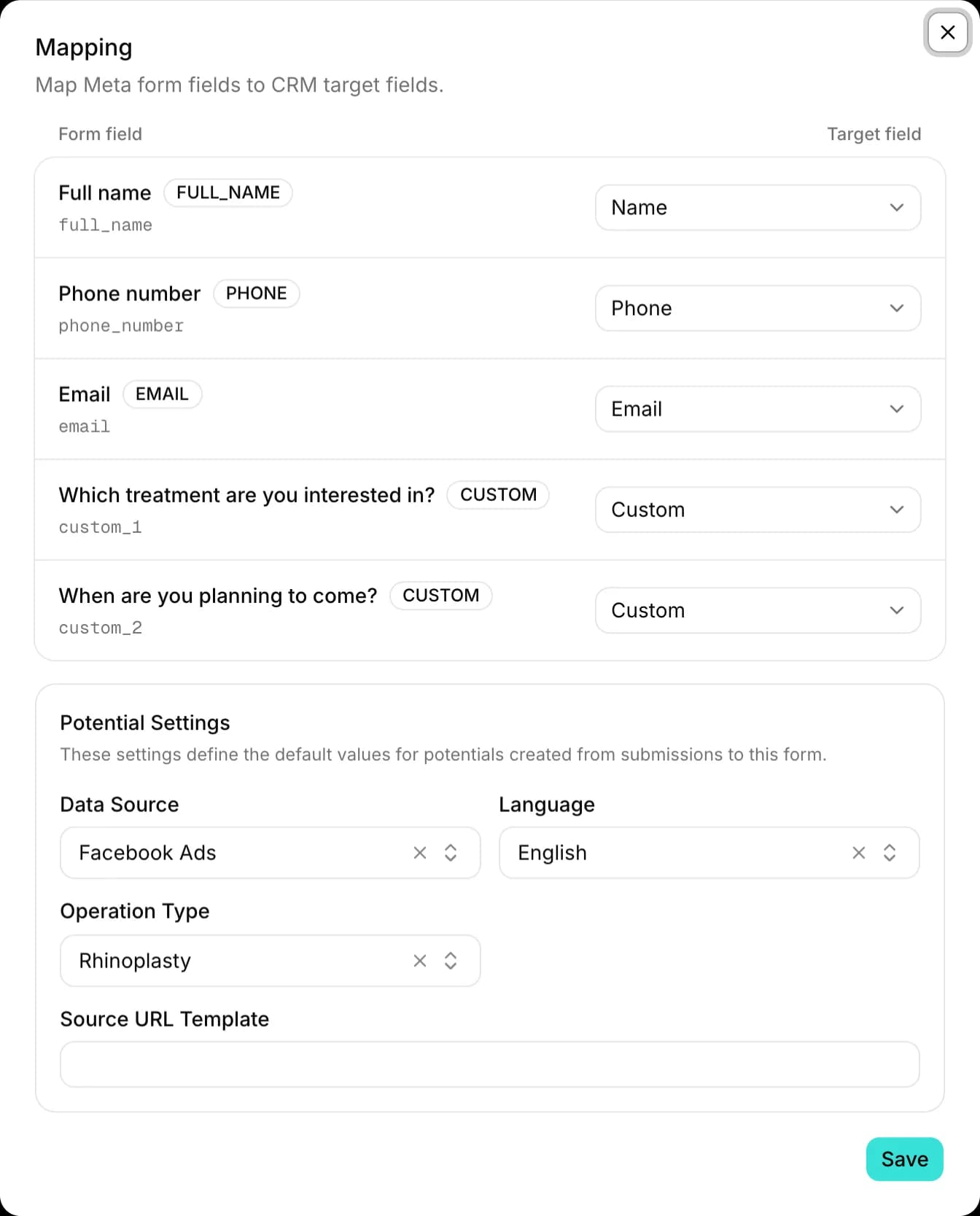
Automatic potentials and representative assignment
Every submitted form is saved as a potential and assigned to a representative in the matching pipeline based on its data source and language.
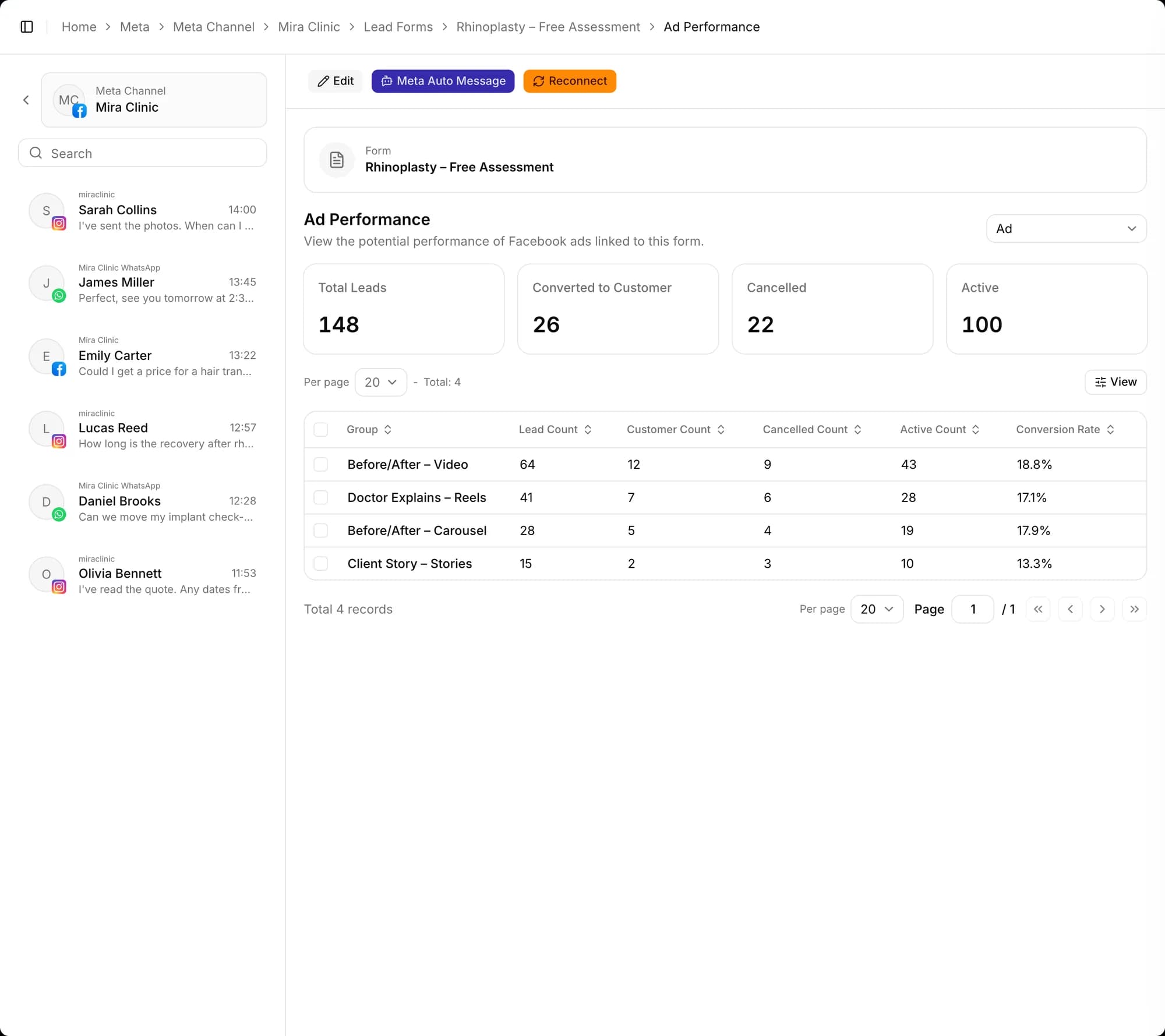
Ad performance
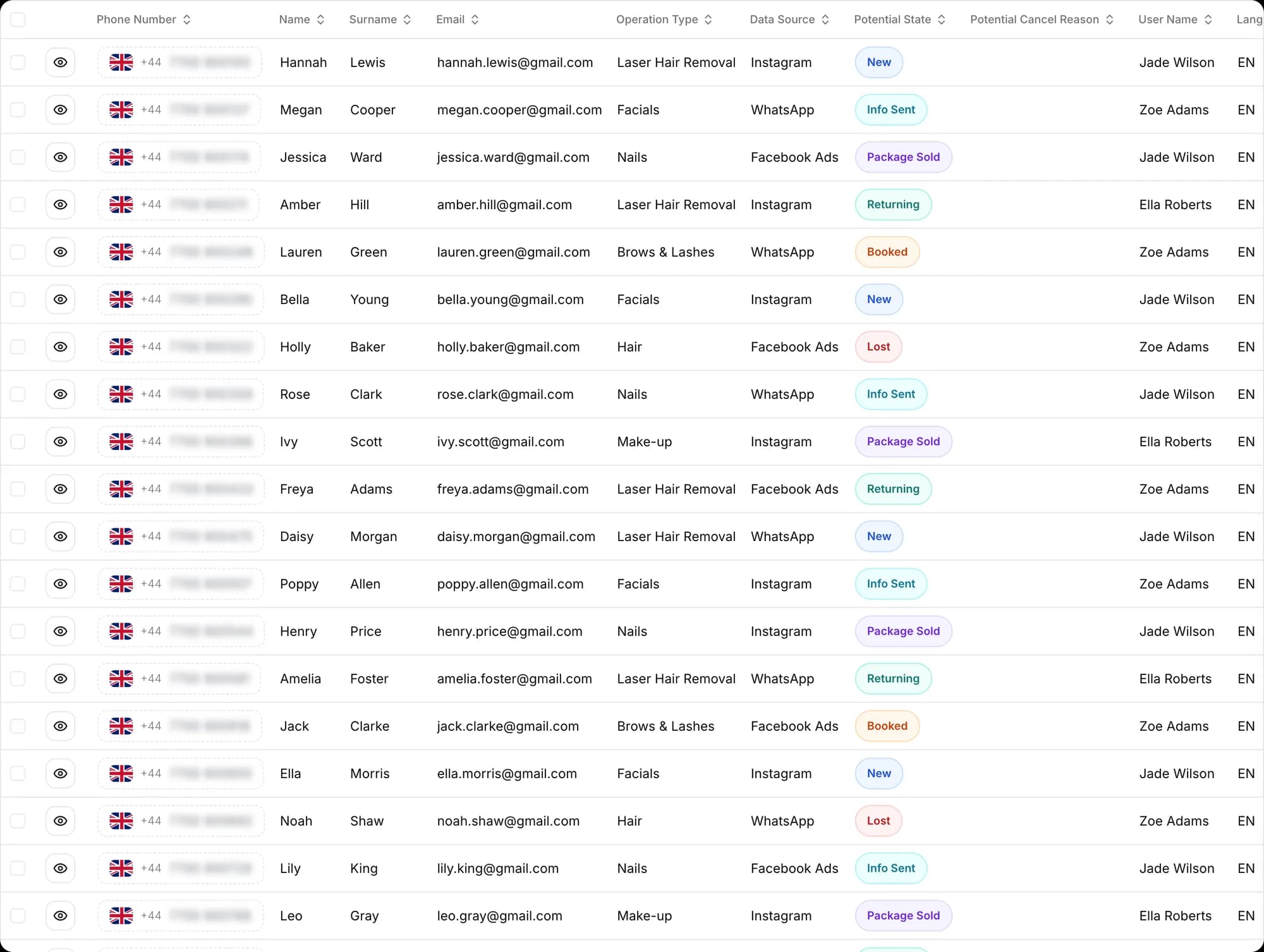
See lead, active and cancelled counts, how many became customers, and the conversion rate by campaign, ad set or ad. Shift your budget to the ads that bring in customers.
Sync existing submissions
Use Sync to pull a form's existing submissions into Docvivo; the list shows how many potentials each form has brought in.

Also included
Campaign details on the record
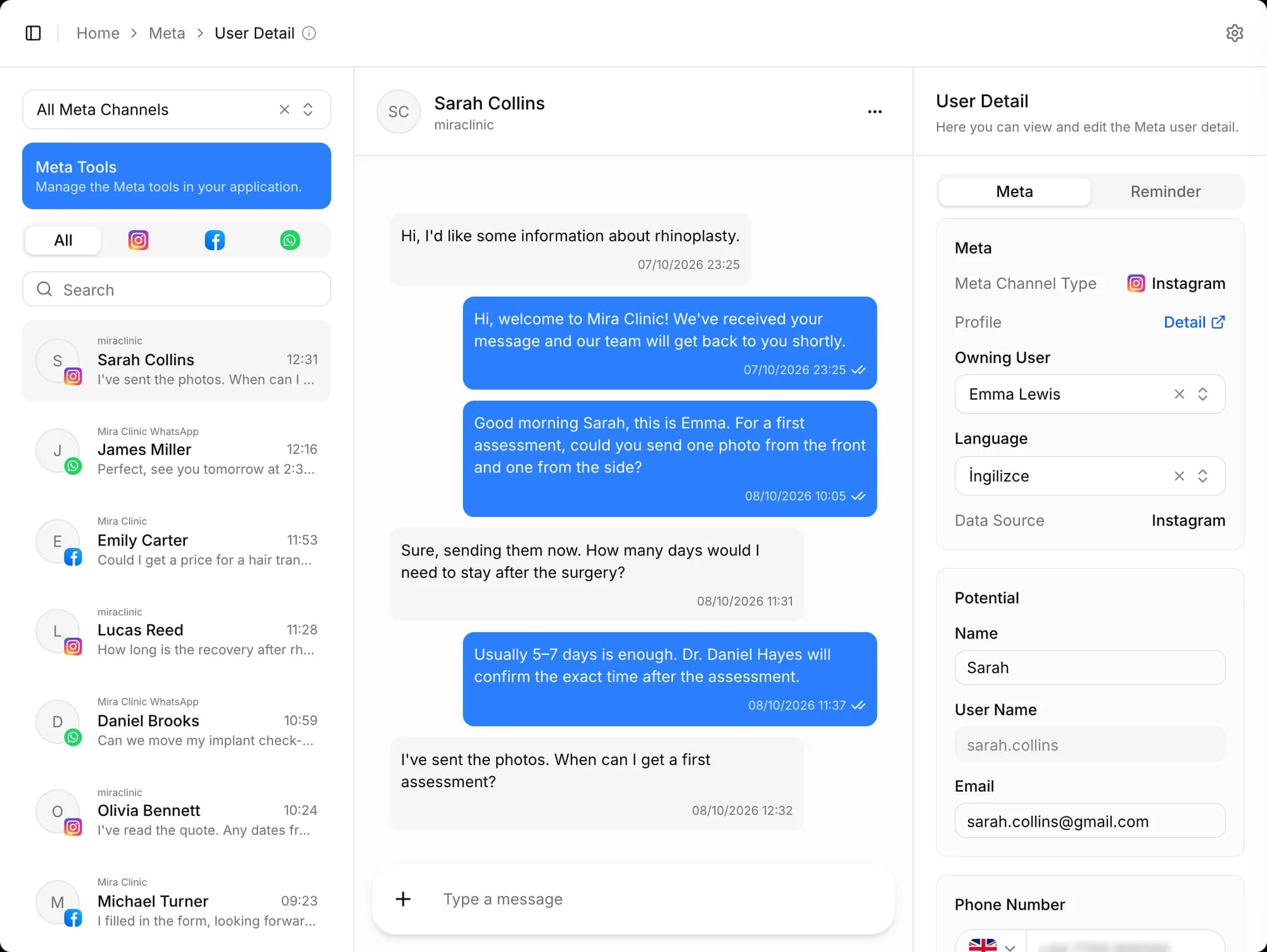
The campaign, ad set and ad a submission came from are stored with the potential, so the representative knows which ad brought the customer in.
Other features
Frequently asked questions
Which channels can I manage messages from?
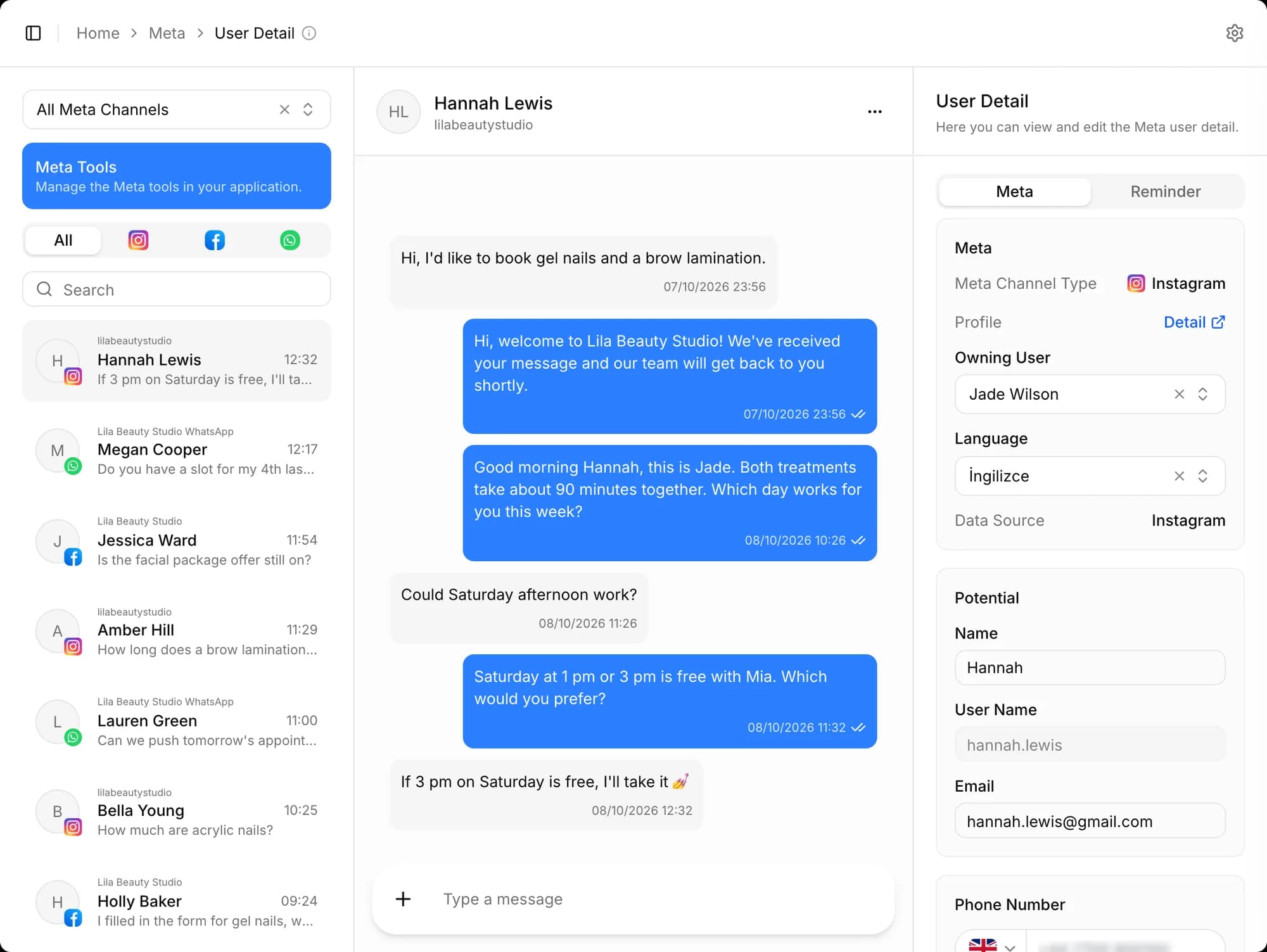
WhatsApp, Instagram DM and Facebook Messenger messages land in one real-time inbox. Submissions from Meta lead forms and from the forms on your website also become potential records automatically.
How can I bring my existing customer and client records into Docvivo?
Your data from Excel or other systems is transferred into the Docvivo CRM platform with smart import tools and the guidance of our technical team, with zero risk of data loss.
From first message to sale, start today
Create your free account, connect your channels and greet your first potential. Wherever you get stuck during setup, our team is there to help.