Work with your CRM by typing or talking
Instead of digging through menus you ask: the assistant finds the record, opens the page, brings up the number. Besides written chat you can ask by voice (beta).
- Written chat
- Voice commands (beta)
- Follows permissions
- Your own OpenAI key
Also included
Ask, and the assistant looks in the CRM
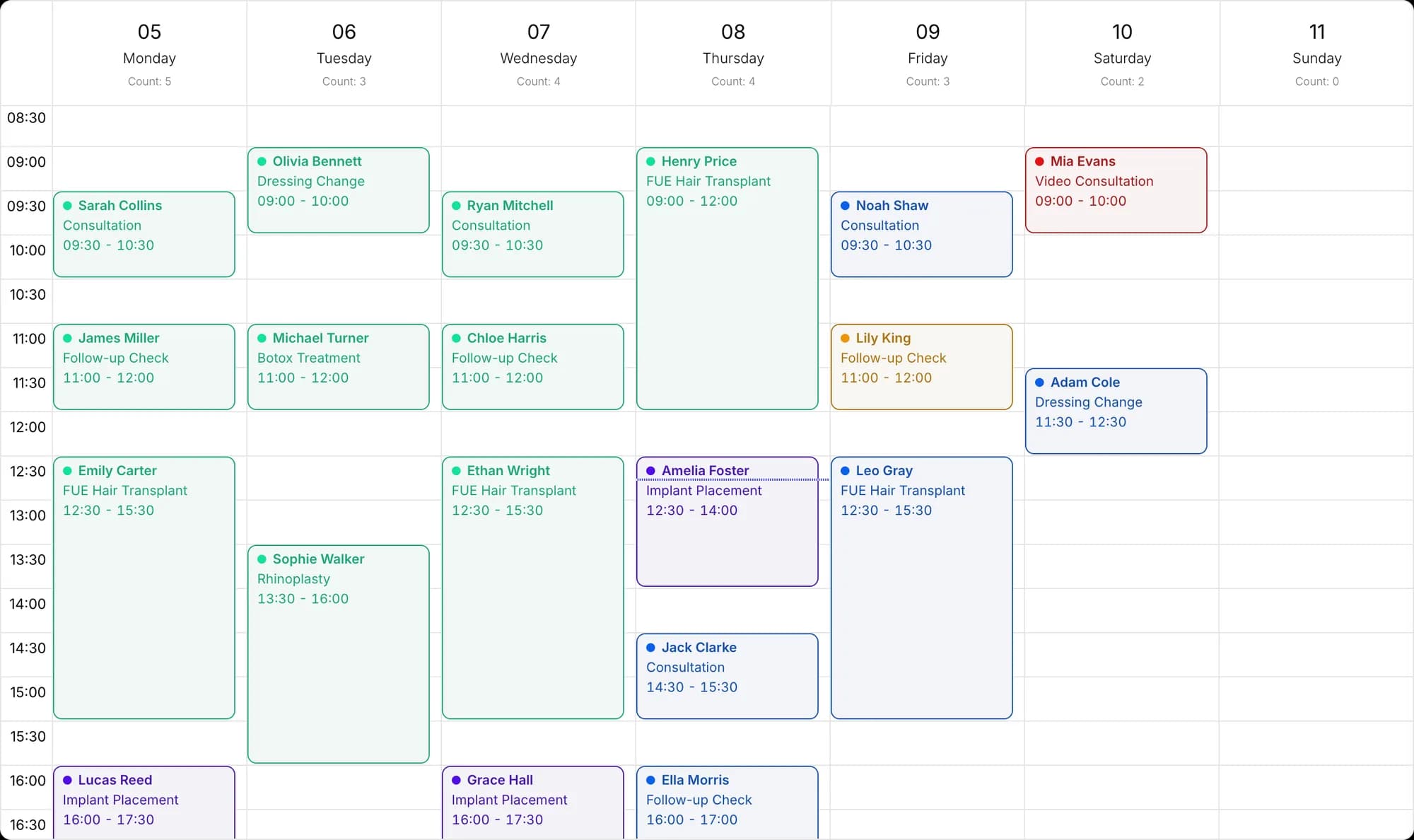
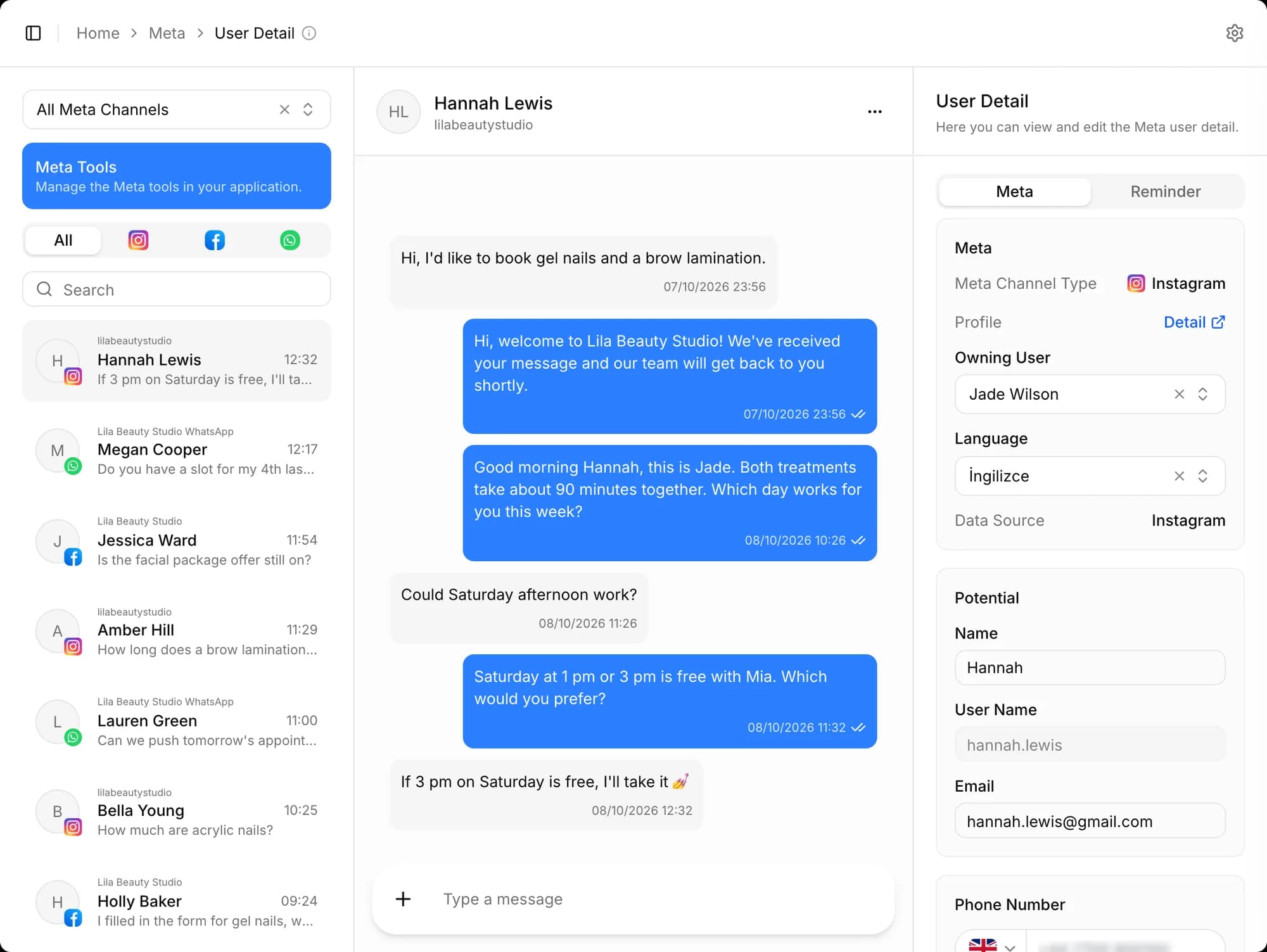
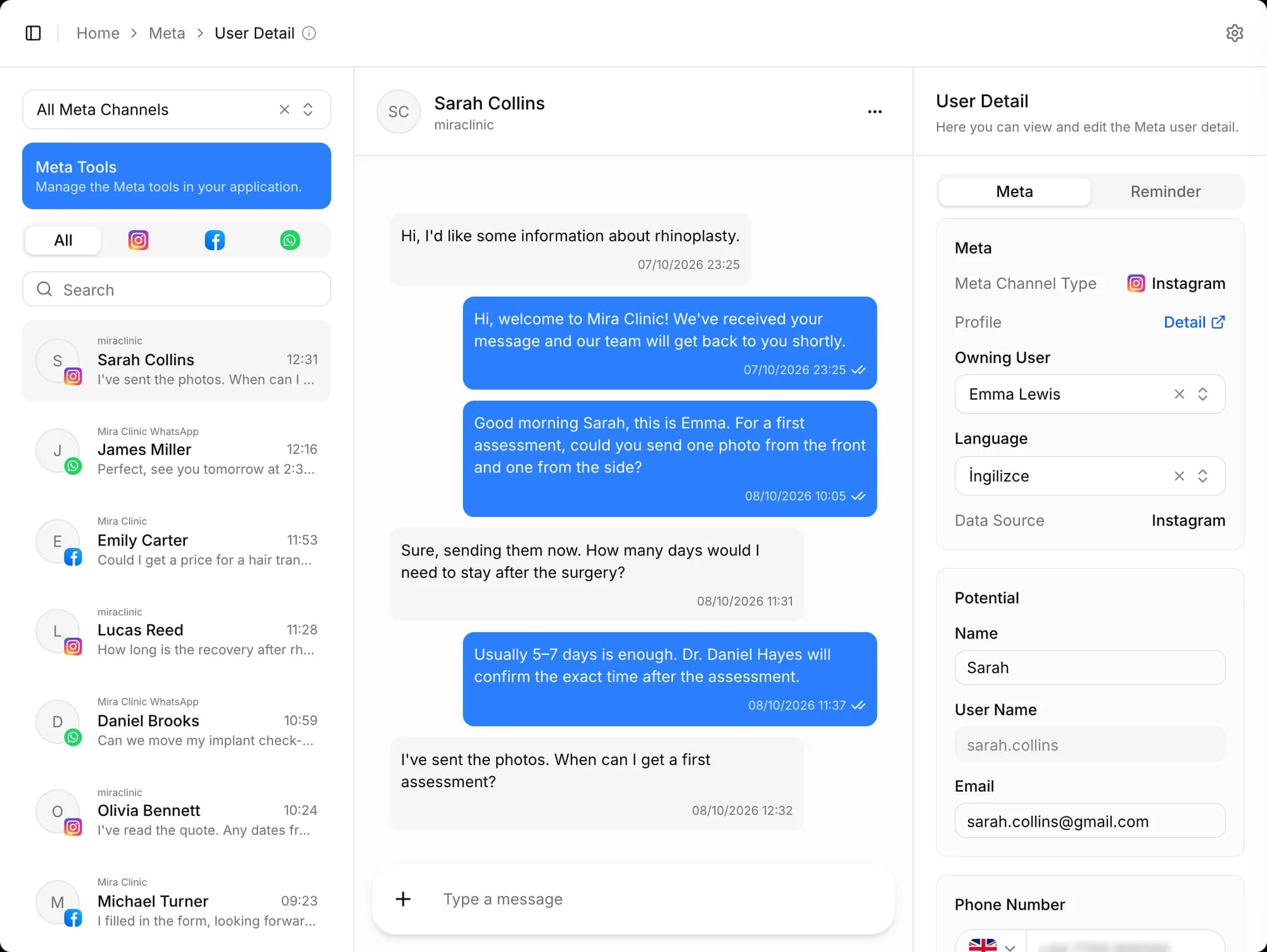
You ask in plain sentences about appointments, potentials, offers, notes and reports. Each user only sees the data they have permission for.
- Appointment and potential search
- Offer and note search
- Results by permission
It knows the page you're on
It knows which page and which record you have open, and explains what that screen is for, how to fill its form fields and how to filter.
It opens pages for you
Say "open today's appointments" and the page opens on your screen with the filters applied. It won't open a page you have no permission for.
It creates and updates records
It creates potentials and client records, creates, reschedules or approves appointments, and updates offer and potential status, asking you for anything missing. Some changes are previewed first and wait for your confirmation.
- Creating potentials
- Creating and rescheduling appointments
- Status updates
It brings up the numbers
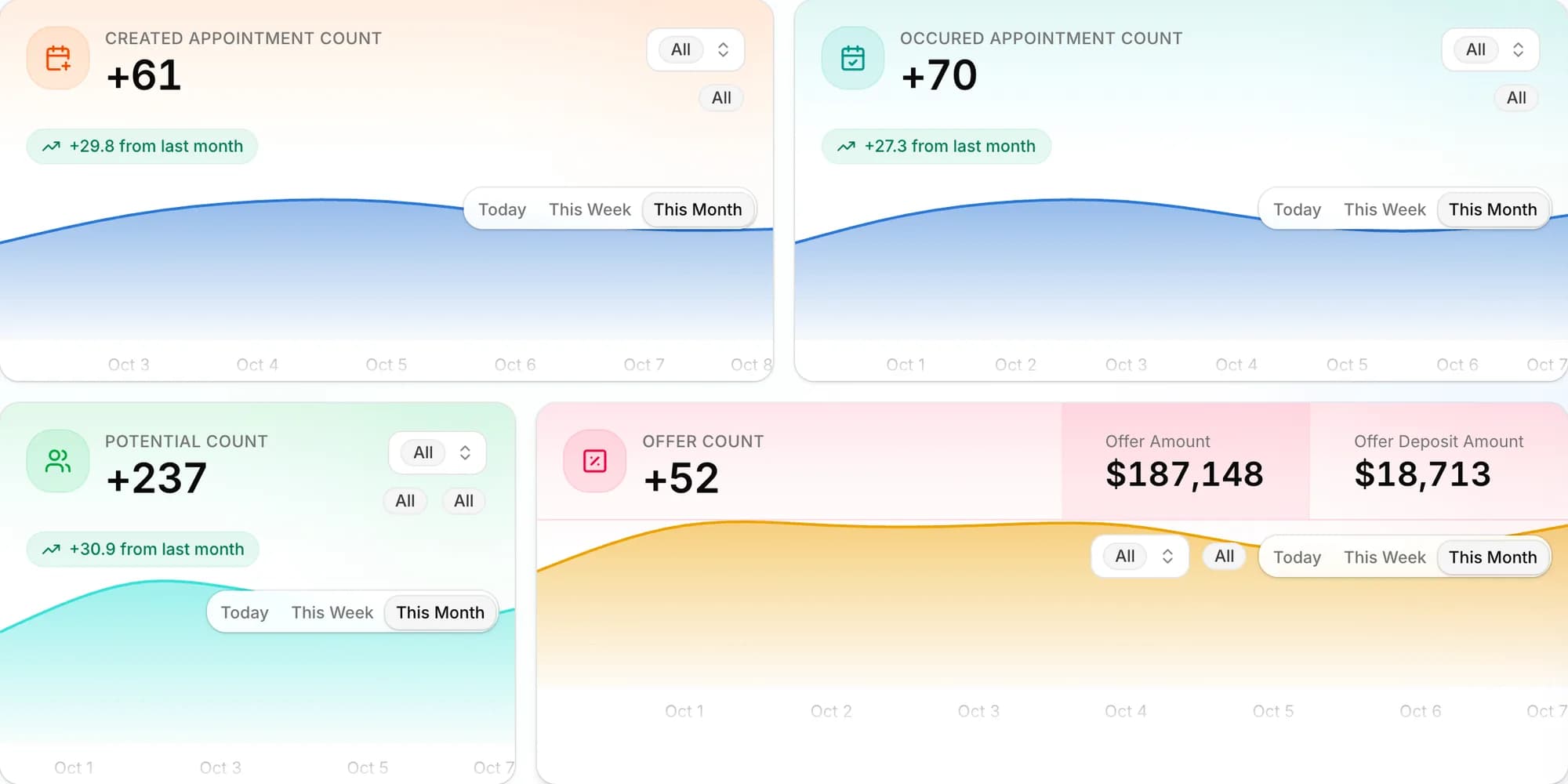
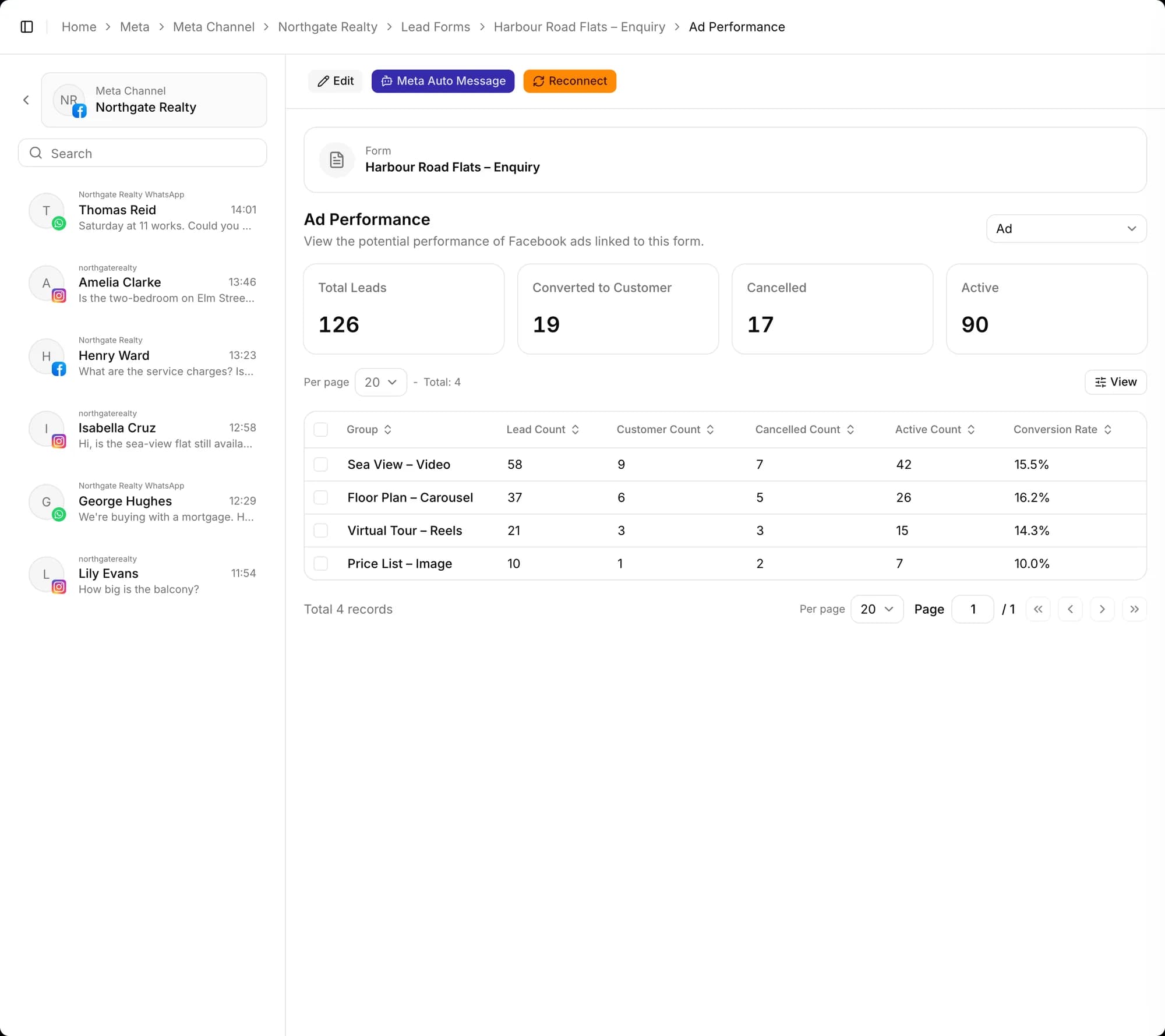
Ask for appointment, potential and offer statistics, representative performance and ad performance; questions like "compare this month with last month" work too.
- Appointment statistics
- Representative performance
- Ad performance
Voice commands (beta)
You talk to the assistant with the microphone button and get a spoken answer; results also show in the chat during the call. There are two voice models: GPT-Live, which talks instantly and lets you interrupt, and a Turkish model that answers when you finish your sentence. Voice chat is currently open to firm administrators.
- GPT-Live (instant)
- Turkish model
- Results in the chat
Runs on your own OpenAI key
The firm administrator enters an OpenAI API key under Integrations and switches AI Chat on; while it's off the assistant is hidden on the CRM home page. Usage is billed to your firm's OpenAI account: the written assistant as you use it, GPT-Live per minute. Conversations aren't written to the logs in your OpenAI dashboard.
Other features
Frequently asked questions
How do I turn on the AI assistant, and who pays for it?
The firm administrator enters an OpenAI API key under Integrations and switches AI Chat on. Usage is billed to your firm's OpenAI account; voice commands (beta) are currently open to firm administrators and, in GPT-Live mode, billed per minute.
What AI features are there?
There's an AI assistant that works inside the CRM, and AI translation for operation reports that pays attention to medical terminology. You can also use a writing assistant in report templates.
How does pricing work?
Pricing is per user, per month. Longer plans and larger teams get discounts, and modules such as the Turkish Ministry of Health integration are added separately. Current packages are on the Pricing page.
How do I get started?
Create your free account, connect your channels and greet your first potential. Wherever you get stuck during setup, our team is there to help.
From first message to sale, start today
Create your free account, connect your channels and greet your first potential. Wherever you get stuck during setup, our team is there to help.